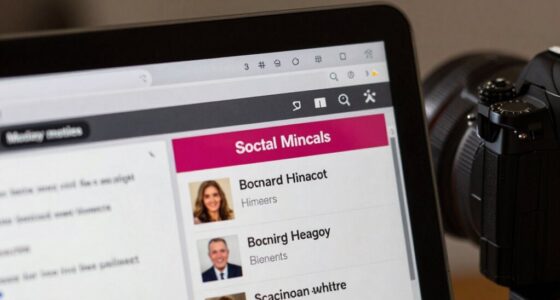
Just because a website looks sleek and professional doesn’t mean it’s trustworthy. Visual appeal, like modern fonts or high-quality images, can be used to create a good impression, but it doesn’t guarantee accurate or reliable content. Pay attention to details like consistent design, transparency, and clear information. Often, appearances can be deceptive. If you want to know how to spot credibility beyond looks, keep exploring—you may find some eye-opening tips.
Key Takeaways
- A polished design can mask false or misleading content, so appearance alone isn’t a sign of credibility.
- Consistent visuals and layout suggest professionalism but do not guarantee accurate or trustworthy information.
- Easy navigation and transparency indicate reliability, while difficulty accessing information raises doubts.
- High-quality visuals and modern fonts may distract from questionable content or intentions.
- Verifying content accuracy and source credibility is essential, regardless of the website’s visual appeal.
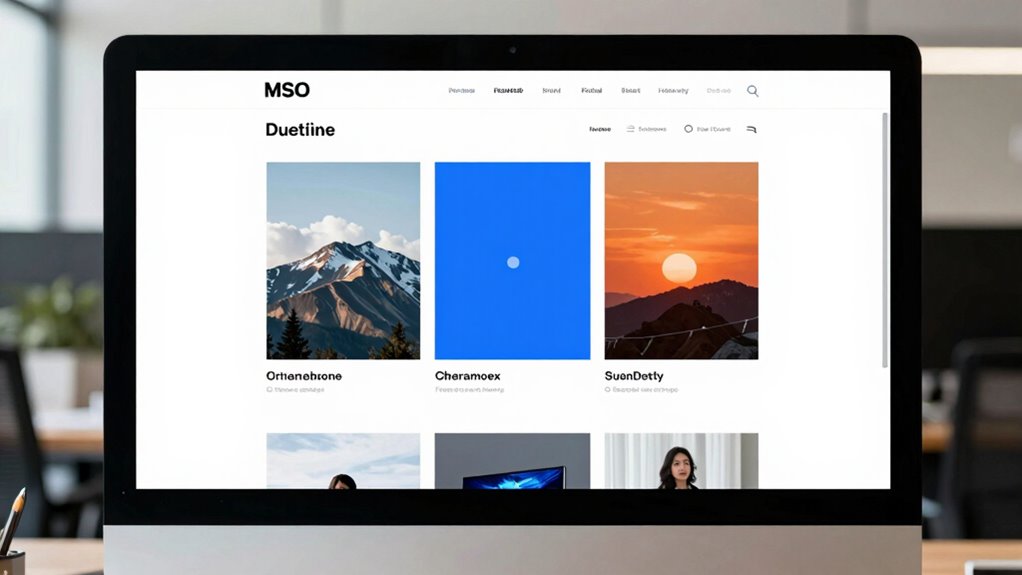
Just because a website looks polished and professional doesn’t mean you should trust everything it claims. The visual design and user interface can be carefully crafted to give an impression of credibility, but appearances can be deceiving. A sleek layout, high-quality images, and modern fonts all contribute to a professional look, yet they don’t guarantee that the content or the intentions behind the site are trustworthy. It’s easy to be fooled by a website’s presentation, especially when the visual design seems so convincing. That’s why you need to dig deeper beyond the surface.
A polished website doesn’t guarantee trustworthiness—look beyond appearance to verify credibility and intentions.
When assessing a website’s credibility, focus on the user interface and how it guides your experience. A well-designed interface often indicates that the creators put effort into usability, which can be a good sign. However, it doesn’t necessarily mean the site is reliable or truthful. Some sites invest heavily in visual appeal to distract from dubious or false content. On the other hand, a simple or less-polished site isn’t automatically untrustworthy. Sometimes, the most straightforward interfaces are the most honest because their creators aren’t trying to hide anything behind flashy graphics or complex navigation.
You should also pay attention to the consistency of the visual design. Check if the images, fonts, and layout elements look professional and cohesive or if they seem haphazard and outdated. A credible site typically maintains a consistent visual style, which demonstrates attention to detail and purpose. Conversely, a site with inconsistent graphics, numerous typographical errors, or awkward layouts can be a red flag, regardless of how good it looks at first glance. Remember, a professional appearance is important, but it’s only one piece of the credibility puzzle.
Another important aspect is how the user interface helps you find information. Is the menu clear? Are contact details easy to locate? Does the site make it simple to verify sources or access additional information? A credible website usually prioritizes transparency and usability. If you find yourself struggling to navigate or if essential information is buried or missing, it’s a sign to question the site’s trustworthiness, regardless of its visual polish. Additionally, visual consistency can be an indicator of a well-maintained and trustworthy site. Furthermore, consider whether the site’s content aligns with established facts or reputable sources, which can help you gauge its overall credibility.
website credibility verification tools
As an affiliate, we earn on qualifying purchases.
As an affiliate, we earn on qualifying purchases.
Frequently Asked Questions
How Can I Verify a Website’s Credibility Beyond Its Appearance?
To verify a website’s credibility beyond its appearance, check user testimonials for genuine feedback, and look for signs of content originality, like proper citations and unique information. Research the website’s domain history and contact details to guarantee transparency. Avoid sites with excessive ads or outdated info. Trustworthy sites often have clear privacy policies and secure connections. These steps help you determine if the site is reliable, not just visually appealing.
What Are Red Flags Indicating a Website Might Be Deceptive?
Red flags appear when visual design looks polished but the user interface feels cluttered or inconsistent. If the website uses excessive ads, suspicious links, or spelling errors, it’s a warning sign. Be cautious if contact info is hidden or vague, and if the domain seems fake or mimics reputable sites. These signs suggest the site might be deceptive, even if it appears professional at first glance.
Are Professional-Looking Websites Always Safe to Trust?
No, professional-looking websites aren’t always safe to trust. Just because a site shows design consistency and engages users well, it doesn’t guarantee credibility. Scammers often create polished sites to appear legitimate. You should also check for other signs like contact info, privacy policies, and secure connections. Always verify the site’s reputation through reviews or trusted sources before relying on it, even if it looks well-designed.
How Do I Spot Fake Reviews on a Website?
Fake reviews can be sneaky, like wolves in sheep’s clothing. To spot them, scrutinize customer testimonials for overly generic praise or perfect language that seems too good to be true. Check review authenticity by looking for multiple reviews from the same IP address or reviews that lack specifics. Trust your gut—if something feels off, it probably is. Real reviews often include detailed experiences you can relate to.
What Tools Can Help Assess Website Legitimacy?
To assess website legitimacy, use tools like Google Safe Browsing and VirusTotal to scan for security issues. Check the website’s design and user experience—professional design and easy navigation often indicate credibility. Tools like WHOIS can reveal domain ownership details, helping you verify authenticity. Additionally, reading reviews on Trustpilot or Better Business Bureau offers insights into the site’s reputation. Combining these tools and observations helps you determine if a website is trustworthy.
![Express Rip Free CD Ripper Software - Extract Audio in Perfect Digital Quality [PC Download]](https://m.media-amazon.com/images/I/41xx28xHa+L._SL500_.jpg)
Express Rip Free CD Ripper Software – Extract Audio in Perfect Digital Quality [PC Download]
Perfect quality CD digital audio extraction (ripping)
As an affiliate, we earn on qualifying purchases.
As an affiliate, we earn on qualifying purchases.
Conclusion
Just remember, a sleek website might look trustworthy, but only about 30% of people can spot fake or biased information online. So, don’t be fooled by good design alone—always verify sources and look for signs of credibility. By staying skeptical and doing a little digging, you protect yourself from misinformation and make smarter decisions. After all, looks can be deceiving, but your ability to question can keep you truly informed.

PCB Surface Quality Check Tool SEC Transparency Size Estimation Gauge (1)
High accuracy size estimation chart
As an affiliate, we earn on qualifying purchases.
As an affiliate, we earn on qualifying purchases.
trustworthy online information verification
As an affiliate, we earn on qualifying purchases.
As an affiliate, we earn on qualifying purchases.