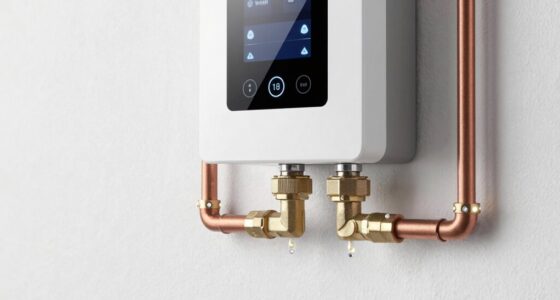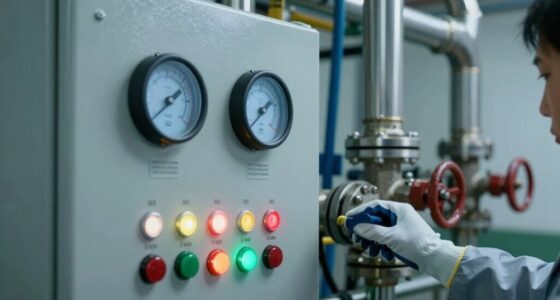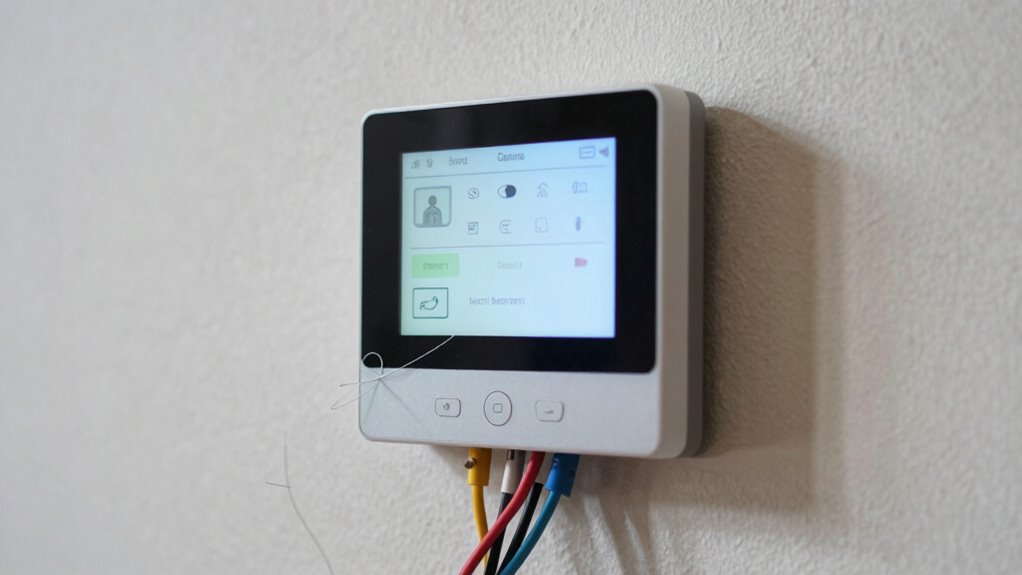

If you rush your smart thermostat setup or skip instructions, you might accidentally wire it incorrectly or place sensors poorly, causing inefficient heating or cooling. Not checking compatibility or forgetting to update firmware can lead to bugs and higher energy use. Placement near heat sources or drafts skews readings, making your system work harder. Small setup mistakes can quietly raise utility bills. Keep going, and you’ll find key tips to avoid these costly errors.

Prime made for students and young adults
- Fast, free delivery for dorm and study essentials
- Prime Video and Amazon Music included
- Member-only deals
Key Takeaways
- Skipping or rushing installation instructions can cause wiring mistakes that increase energy consumption.
- Failing to verify HVAC compatibility may lead to inefficient operation and higher utility bills.
- Incorrect placement in direct sunlight or near drafts skews temperature readings, causing unnecessary heating or cooling.
- Ignoring firmware updates limits device functionality and prevents energy optimization features from working properly.
- Not activating energy-saving modes or adaptive features results in higher energy use and costs.
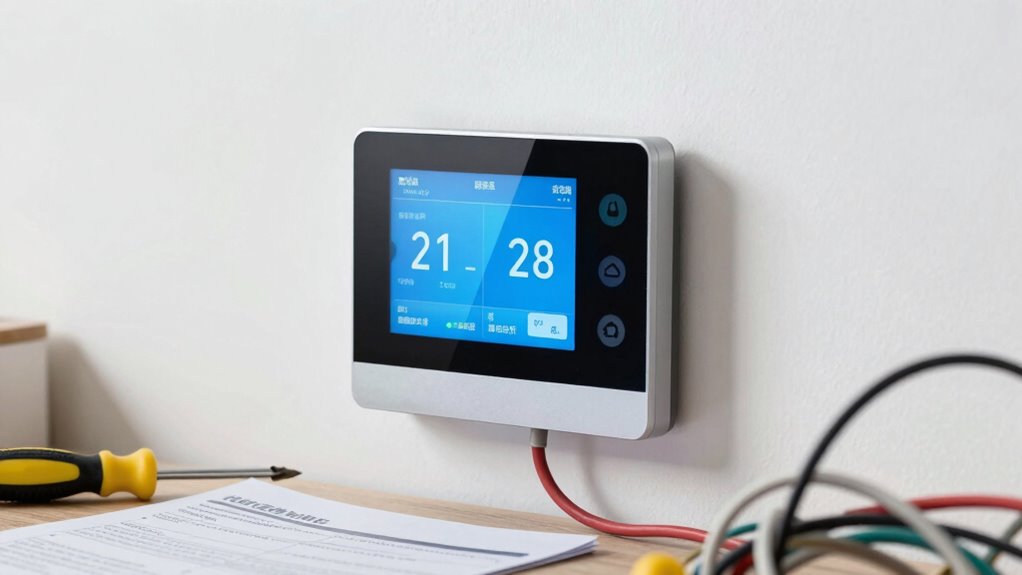
Setting up a smart thermostat might seem straightforward, but many users encounter common errors that can affect its performance. One of the biggest issues is installation mistakes, which often go unnoticed but can considerably impact energy efficiency. When you skip reading the instructions carefully or rush through the process, you risk wiring the device incorrectly or misplacing sensors. These errors can cause the thermostat to malfunction, leading to inefficient heating or cooling cycles that waste energy and money.
Installation mistakes can cause malfunction and energy waste if instructions are rushed or overlooked.
A frequent mistake is not verifying compatibility with your existing HVAC system. If your system isn’t compatible, the thermostat might not operate at its best, causing unnecessary energy consumption. You might also overlook the importance of properly configuring the device after installation. For example, setting incorrect temperature schedules or not activating energy-saving modes can lead to higher utility bills. These setup errors might seem minor but can have a big impact over time, silently draining your resources.
Another common pitfall is improper placement of the thermostat itself. If you install it in a location exposed to direct sunlight, drafts, or near heat sources like a chimney, it won’t accurately reflect the room’s true temperature. This misplacement forces your system to work harder than necessary, wasting energy and reducing efficiency. Similarly, placing the thermostat in a spot that’s too close to a window or outside door can cause frequent false readings, prompting your HVAC to cycle on and off more often than needed. Ensuring your thermostat is installed in a proper location can prevent these issues and improve overall performance. Additionally, understanding the recommended placement guidelines can help you optimize the device’s accuracy and efficiency.
Many users also neglect to update the thermostat’s firmware or connect it properly to their Wi-Fi network. Outdated software can cause bugs or limit the device’s ability to maximize energy use. Without a proper internet connection, you might miss out on important updates or advanced features that improve energy efficiency. This oversight can keep your system running less effectively and increase your utility bills without you realizing it. Ensuring your device is firmware up-to-date can make a significant difference in its performance and energy savings. Moreover, taking the time to properly connect to Wi-Fi ensures you can access remote control features and receive critical updates.
Additionally, neglecting to verify device compatibility before purchase can lead to installation issues and suboptimal performance. When you choose a compatible device, you ensure seamless integration and fewer troubleshooting headaches later on. Finally, failing to take advantage of smart features, such as geofencing or learning algorithms, can mean missing opportunities to cut down on energy waste. If you don’t customize these settings, your thermostat may continue to operate on a basic schedule that doesn’t adapt to your lifestyle, resulting in unnecessary heating or cooling when you’re not home. Therefore, spending a little extra time on setup and paying attention to these details guarantees your smart thermostat works as intended, saving you money and reducing energy waste over the long run.
As an affiliate, we earn on qualifying purchases.
Frequently Asked Questions
Can Incorrect Wi-Fi Settings Affect Thermostat Performance?
Yes, incorrect Wi-Fi settings can impact your thermostat’s performance. If your Wi-Fi isn’t secure, it may cause connection issues, leading to inconsistent operation. Network interference from other devices or a weak signal can disrupt communication between your thermostat and your network, causing delays or malfunctions. Make certain your Wi-Fi security is strong and your network is clear of interference to keep your smart thermostat running smoothly and efficiently.
How Do I Update My Thermostat’s Firmware?
Imagine your thermostat as a smart conductor, keeping your home’s climate in harmony. To update its firmware, go to the device’s app or menu, then select ‘Firmware Updates’ or ‘System Updates.’ Make sure your system remains compatible, as outdated firmware can cause performance issues. Follow prompts to install the latest updates, and your thermostat will stay synchronized with the newest features, saving you money and guaranteeing maximum comfort.
Are There Compatibility Issues With Older HVAC Systems?
Yes, older HVAC systems can have compatibility issues with smart thermostats. You need to check HVAC compatibility before installing, as some systems lack the necessary wiring or features for proper thermostat integration. If your system isn’t compatible, you might experience issues like unresponsive controls or inaccurate temperature readings. To avoid wasting money, verify your HVAC system’s specifications and confirm your chosen smart thermostat supports your system’s type and wiring setup.
What’s the Best Way to Reset My Smart Thermostat?
Like hitting reset on a tangled web, you should start by turning off your smart thermostat, then remove and reinstall the batteries or power source. Once it reboots, navigate to the user interface and select the reset or factory default option. This refreshes your device, helping it operate efficiently. Remember, energy-saving tips include customizing your schedule to avoid unnecessary heating or cooling when you’re away, optimizing your thermostat’s performance.
How Can I Troubleshoot Connectivity Problems?
To troubleshoot connectivity problems, start by checking your Wi-Fi signal strength and guarantee your smart thermostat is within range. Restart both your router and thermostat to refresh connections. If you experience temperature calibration or user interface issues, update the thermostat’s firmware and reconfigure settings. Confirm your device’s network credentials are correct. These steps help stabilize your connection, preventing unnecessary energy waste and ensuring your thermostat functions smoothly.
HVAC compatible smart thermostat
As an affiliate, we earn on qualifying purchases.
As an affiliate, we earn on qualifying purchases.
Conclusion
To avoid wasting money, make sure your smart thermostat is set up correctly from the start. For example, a homeowner who neglected to connect the HVAC system properly ended up with higher energy bills despite the smart features. Take the time to double-check wiring, Wi-Fi connectivity, and app settings. A little extra effort now can prevent costly errors later, helping you enjoy the energy savings and comfort that your smart thermostat promises.
smart thermostat sensor placement
As an affiliate, we earn on qualifying purchases.
As an affiliate, we earn on qualifying purchases.
As an affiliate, we earn on qualifying purchases.
Fall Picks
fall essentials
As an affiliate, we earn on qualifying purchases.