
RAID helps protect your data by using techniques like mirroring and parity calculation, which add redundancy across multiple disks. Parity calculation stores extra information that can rebuild data if a disk fails, offering a good balance between safety and storage efficiency. This method keeps your system reliable and minimizes downtime. Understanding how different RAID levels use these features can improve your data management. Keep exploring further to discover how these techniques work in detail and optimize your setup.
Key Takeaways
- RAID uses redundancy techniques like parity and mirroring to protect data against disk failures.
- Parity calculation stores extra information across disks to enable data recovery without copying all data.
- When a disk fails, RAID uses parity and remaining data to rebuild lost information efficiently.
- Different RAID levels balance redundancy, storage efficiency, and performance for reliable data protection.
- Parity-based RAID offers a good mix of fault tolerance, speed, and minimal storage overhead.
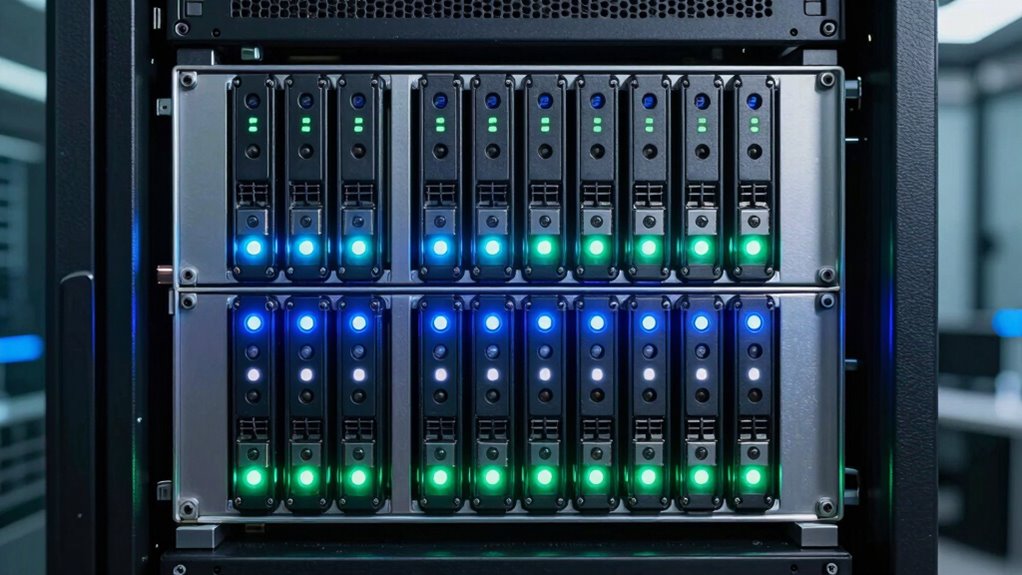
Another important aspect of RAID’s data protection is parity calculation. Parity is a clever method of storing extra information across disks that allows the system to reconstruct data if a disk fails. Instead of copying everything like in disk mirroring, parity calculation involves calculating a checksum based on the data written across multiple disks. When data is written, the system updates this checksum, which is stored on a dedicated disk or distributed among disks depending on the RAID level. If one disk suddenly becomes unavailable, the RAID system utilizes the parity information along with the remaining data to rebuild the lost information. This approach offers a good balance between redundancy and storage efficiency, making it popular in many RAID configurations. Additionally, high data transfer rates in certain RAID levels can further enhance overall system performance. Both methods aim to minimize downtime and data loss, but they do so differently—mirroring offers simplicity and speed, while parity calculation provides efficient storage use and flexibility.
As an affiliate, we earn on qualifying purchases.
Frequently Asked Questions
How Does RAID Affect Data Recovery Speed?
RAID can improve data recovery speed, especially with redundancy benefits like in RAID 5 or 6, which allow quick rebuilds after disk failures. However, you might face performance trade-offs, as some RAID levels, like RAID 1 or 10, can slow down write speeds during recovery. Overall, RAID balances redundancy and speed, helping you recover data faster without risking loss, but choose the right level based on your needs.
Can RAID Be Used With External Drives?
Imagine turning your external drives into a data fortress—yes, RAID can be used with external drives! You just need the right RAID enclosure options that support external drive compatibility. These enclosures connect via USB, Thunderbolt, or eSATA, transforming your ordinary external drives into a powerful RAID array. Now, your data’s protected and accessible with lightning speed, all outside your PC, making your setup as flexible as your imagination allows.
What Are the Costs Associated With Implementing RAID?
When you implement RAID, you should consider the cost considerations involved. Hardware expenses are the main factor, as you’ll need multiple drives, a compatible controller, and possibly a dedicated RAID card. Additionally, premium RAID levels like RAID 5 or 10 may require more costly components. Don’t forget to account for potential increased power consumption and cooling, which can add to your overall costs. Planning ahead helps make certain you stay within your budget.
Is RAID Suitable for Gaming Setups?
Think RAID is perfect for gaming? Think again. While it offers storage scalability and improved data security, it’s not ideal for gaming setups. You might face hardware compatibility issues, and the benefits for faster load times are minimal. Instead, focus on a single, high-performance SSD for smoother gameplay. RAID’s more suited for servers or data centers where data safety outweighs gaming performance.
How Does RAID Impact Power Consumption?
RAID can increase your power consumption because it requires additional drives and controllers, which affect energy efficiency. You might notice higher energy usage when running multiple disks in RAID configurations, especially with active redundancy. Hardware compatibility is essential; make sure your setup supports RAID to avoid unnecessary power drain or hardware issues. While RAID offers performance and redundancy benefits, be aware that it can also lead to increased power costs due to extra components.
RAID enclosure for external drives
As an affiliate, we earn on qualifying purchases.
As an affiliate, we earn on qualifying purchases.
Conclusion
Now that you understand RAID, think of it as a sturdy bridge connecting your data’s safety to your peace of mind. Each level, like different stones, supports your journey, shielding you from the storm of data loss. When you choose the right RAID, you’re not just building a system—you’re forging a resilient fortress. Remember, in the chaos of digital life, RAID stands as your unwavering lighthouse, guiding your information safely home.
As an affiliate, we earn on qualifying purchases.
As an affiliate, we earn on qualifying purchases.