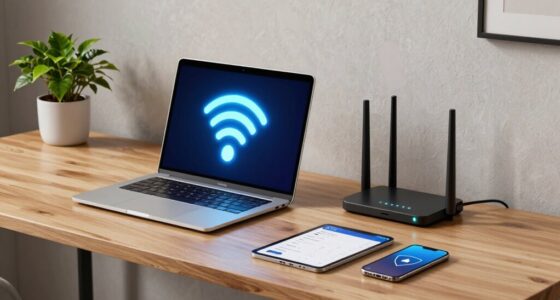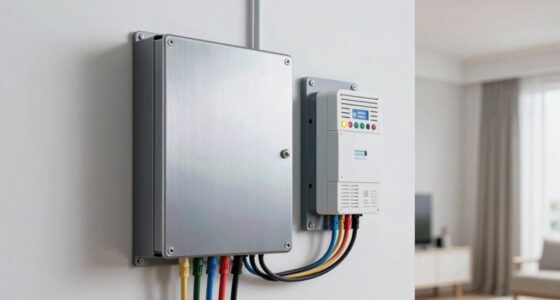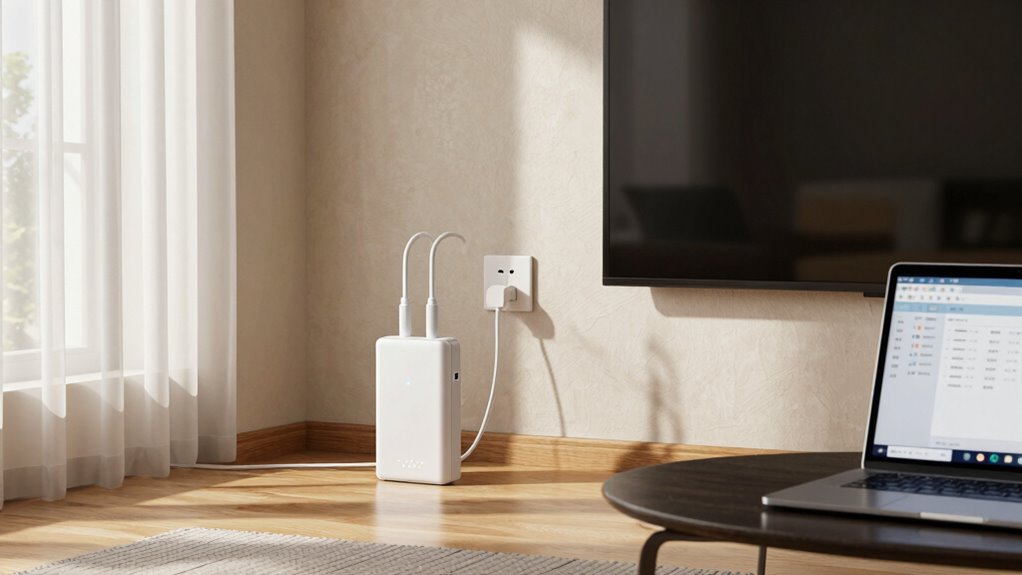

Powerline adapters use your home’s electrical wiring to extend your internet connection, making setup simple and reliable if your wiring is modern and well-maintained. They work best when plugged directly into wall outlets and on the same circuit, with minimal electrical noise from appliances. If your home has old wiring or circuits split across different phases, performance drops markedly. To get the most from them, proper installation and understanding your home’s electrical layout are key; discover more to optimize your setup.
Get ready for Prime Big Deal Days — try Prime free
Exclusive member deals on October 6–7, plus fast free delivery. Cancel anytime.
As an affiliate, we earn on qualifying purchases.
Key Takeaways
- Powerline adapters work best with modern, stable electrical wiring and minimal electrical noise or interference.
- They are effective when plugged directly into wall outlets on the same circuit, avoiding power strips.
- Performance declines if circuits are split across different phases or if appliances cause electrical interference.
- Proper pairing on the same circuit and firmware updates improve stability and connection quality.
- They may be less reliable in older homes or environments with high electrical noise, making wireless options preferable.
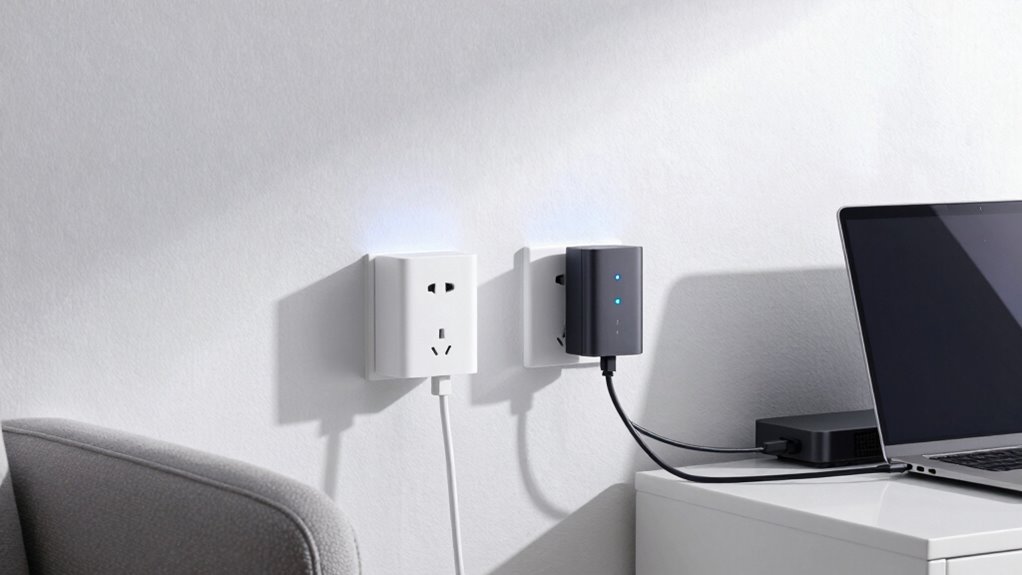
Powerline adapters offer a straightforward solution to extend your internet connection by using your home’s existing electrical wiring. Instead of running long Ethernet cables across rooms, you plug these adapters into standard outlets, and they transmit data through the electrical system. This setup is often more convenient than wireless alternatives, especially if your Wi-Fi signal struggles to reach certain areas of your home. However, their performance can vary depending on the wiring and environment, so understanding when they work well—and when they don’t—is essential.
If your home’s wiring is relatively modern and free of extensive electrical noise, powerline adapters tend to deliver a stable, reliable connection. They’re particularly effective in multi-story homes where Wi-Fi signals might weaken with distance or obstacles. You’ll find that in such situations, these adapters provide a more consistent connection than wireless alternatives, which can suffer from interference caused by thick walls, furniture, or electronic devices. To maximize performance, it’s helpful to connect the adapters directly into wall outlets rather than power strips, which can introduce interference and degrade signal quality. Also, avoid plugging multiple devices into the same outlet, as this can reduce bandwidth.
That said, powerline adapters aren’t foolproof. They may not work well in homes with older or poorly wired electrical systems, especially if circuits are split across different phases. In such cases, the signal can weaken or fail entirely, making these adapters less reliable. Interference from appliances like refrigerators, microwaves, or vacuum cleaners can also disrupt data transmission, leading to inconsistent speeds. This is where understanding installation tips becomes vital. For example, for peak performance, keep the adapters away from other electronic devices and avoid plugging them into outlets near large appliances. Also, ensure firmware is up to date, which can improve stability and fix bugs. Additionally, electrical noise from various household devices can significantly impact their performance, so minimizing such interference can help.
While powerline adapters are a solid choice for many scenarios, they aren’t always the best solution. Wireless alternatives, such as mesh Wi-Fi systems or range extenders, might better suit homes with wiring issues or high interference. Before purchasing, consider your home’s wiring and environment, and read reviews on specific models. Proper installation is key, so follow the manufacturer’s tips carefully—like pairing adapters on the same electrical circuit and minimizing interference sources. When set up correctly, powerline adapters can provide a seamless and reliable internet extension, but knowing their limits helps you decide if they’re right for your home’s needs.
As an affiliate, we earn on qualifying purchases.
Frequently Asked Questions
Do Powerline Adapters Work With All Types of Electrical Wiring?
Powerline adapters work with most electrical wiring, but their effectiveness depends on powerline compatibility. If your electrical wiring is old, damaged, or on a different circuit, the adapters might not perform well or connect at all. Generally, they work best with standard, stable wiring within the same circuit. You should check your home’s wiring and the adapter’s specifications to verify compatibility for reliable performance.
Can Powerline Adapters Be Used Internationally With Different Voltage Systems?
Voltage compatibility varies widely worldwide, so you can’t just connect powerline adapters internationally without checking standards. You must verify whether your device supports different voltage systems and international standards to avoid damage or malfunction. Many adapters are designed for specific voltage ranges, so using them across countries with varying electrical specifications can be risky. Always confirm voltage compatibility before crossing borders, ensuring safe, seamless, and synchronized powerline performance across diverse destinations.
How Do Powerline Adapters Handle Interference From Other Household Devices?
Powerline adapters handle interference from household devices by filtering electrical noise that can cause signal degradation. They use advanced technology to detect and minimize electrical noise, ensuring a stable connection. However, if there’s significant electrical noise from appliances or wiring, your signal might still weaken or drop. To improve performance, avoid plugging adapters into heavily used or noisy outlets, and consider using a power strip with noise filtering.
Are Powerline Adapters Secure Enough for Sensitive Data Transmission?
Think of powerline adapters as guard dogs for your data, but are they truly secure? They use encryption standards like 128-bit AES to protect your data confidentiality, making them relatively safe for sensitive info. However, their security can vary based on your network setup. To maximize protection, verify your adapters support the latest encryption standards and change default passwords. While not foolproof, they offer a solid layer of security for most sensitive data transmissions.
What Is the Maximum Range for Effective Powerline Network Connections?
Your powerline network connection typically works best within 300 meters (around 980 feet) through electrical wiring, but this can vary depending on the wiring age and quality. To guarantee effective range, check voltage compatibility between adapters and avoid extension cords or power strips. Keep in mind that electrical noise and wiring conditions may reduce the range, so testing your setup in different parts of your home helps optimize performance.
As an affiliate, we earn on qualifying purchases.
Conclusion
Now that you understand how powerline adapters work—and when they might stumble—you’re ready to decide if they’re right for your home. Imagine plugging in that adapter, expecting seamless internet, only to face unexpected dead zones or slowdowns. Will your setup deliver the speed you need, or will surprises lurk behind the connections? The choice is yours, but remember: sometimes, the quietest solutions hide the biggest twists. Will your network stand the test? Only time will tell.
powerline adapter for home Wi-Fi extension
As an affiliate, we earn on qualifying purchases.
As an affiliate, we earn on qualifying purchases.
powerline adapter with gigabit Ethernet ports
As an affiliate, we earn on qualifying purchases.
As an affiliate, we earn on qualifying purchases.
Fall Picks
fall essentials
As an affiliate, we earn on qualifying purchases.