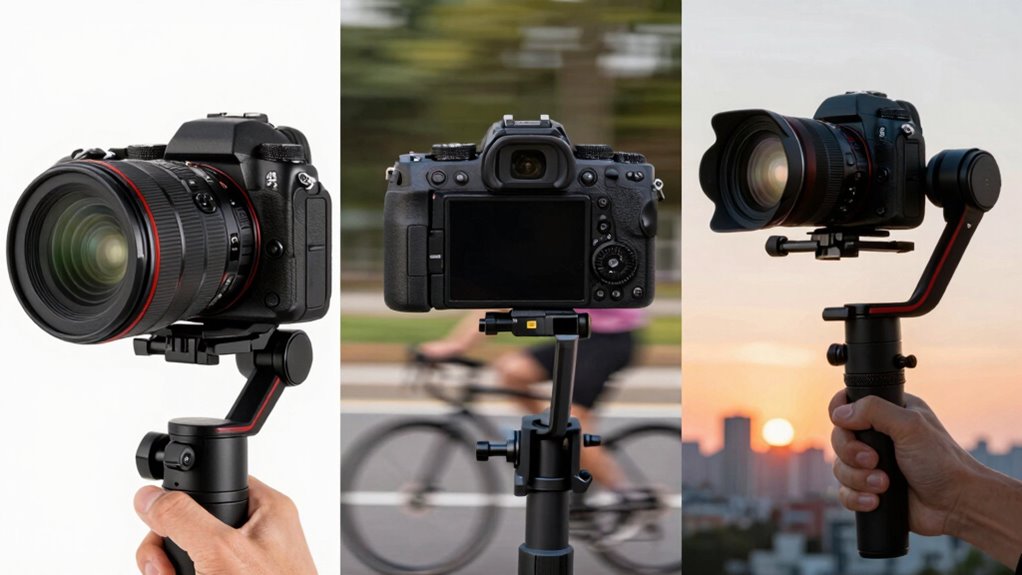

To understand image stabilization, you should know that lens-based stabilization moves internal lens elements to reduce shake, providing quick feedback, especially at long focal lengths. In-body stabilization (IBIS) shifts the camera sensor itself, working with any lens you attach—great for low-light shots. Gimbals are external devices that stabilize your camera or smartphone for smooth videos during movement. Exploring these options further can help you choose the best system for your photography and videography needs.

Prime made for students and young adults
- Fast, free delivery for dorm and study essentials
- Prime Video and Amazon Music included
- Member-only deals
Key Takeaways
- Lens-based stabilization moves internal lens elements to reduce shake, ideal for telephoto and macro lenses.
- In-body stabilization shifts the camera sensor itself, working universally with any attached lens.
- Gimbals are external devices that stabilize the entire camera during dynamic shooting, perfect for videos.
- Lens stabilization provides immediate visual feedback, while sensor shift stabilizes for sharper images across lenses.
- Gimbals are best for smooth motion footage but add bulk and setup time compared to built-in stabilization methods.
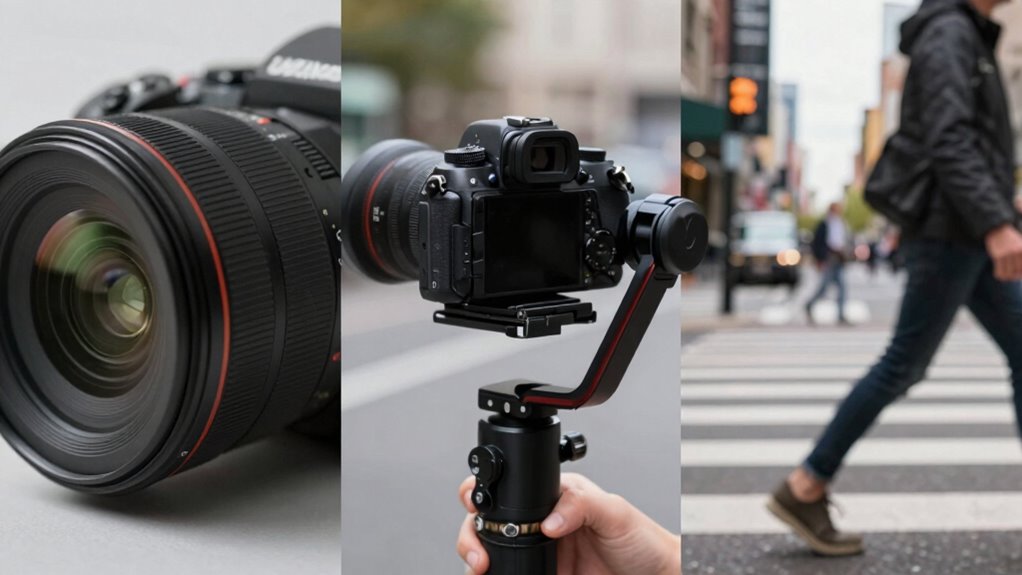
Have you ever taken a photo only to find it blurry or shaky? It’s frustrating, especially when you’re trying to capture a special moment. That’s where image stabilization comes into play, helping you get sharp images even in challenging conditions. There are different methods—lens-based stabilization, in-body or sensor shift stabilization, and gimbals—that each serve a unique purpose. Understanding how they work can help you choose the right setup for your photography needs.
Sensor shift stabilization, often called in-body image stabilization (IBIS), is a technology built directly into your camera body. When you press the shutter, tiny motors inside move the camera’s sensor to counteract camera shake. This means that instead of relying on the lens to stabilize, the entire sensor shifts slightly to compensate for your hand movement. Because of this, sensor shift stabilization works with any lens you attach, making it versatile for various shooting styles. It’s especially effective in low light or when you’re shooting at slow shutter speeds, where even minor hand movements can cause blurriness. This kind of stabilization is seamless—you don’t need to switch modes or attach extra equipment—and it’s appreciated for its ability to stabilize different focal lengths equally well.
Sensor shift stabilization (IBIS) moves the camera sensor to reduce shake, working with any lens for sharp images.
Optical stabilization, on the other hand, is a feature integrated into many camera lenses. When activated, the lens elements move internally to counteract shake. This method is particularly common in telephoto and macro lenses, where even small movements can drastically affect image sharpness. Optical stabilization is highly effective at reducing motion blur caused by hand movement, especially at longer focal lengths, and it often provides immediate feedback through visible lens shifts. Many photographers prefer optical stabilization because it can be more precise for specific lenses and shooting scenarios. However, it’s limited to the lens itself, so if you switch lenses without stabilization, you lose that benefit.
Gimbals, meanwhile, are external stabilization tools—handheld or mounted devices that physically stabilize your camera or smartphone. They use motors and sensors to detect movement and actively counteract shake in real-time, offering smooth footage even when you’re moving around a lot. Gimbals are especially popular among videographers because they produce steady shots without the need for a tripod. They can handle a wide range of movements and are excellent for dynamic filming. However, gimbals add bulk and require setup time, so they’re less practical for quick snapshots but invaluable for professional video work.
In essence, sensor shift stabilization keeps your images sharp by moving the sensor, optical stabilization adjusts lens elements for steadiness, and gimbals physically stabilize your camera in real-time. Each method serves different needs, but all aim to help you capture clear, shake-free images and videos.
As an affiliate, we earn on qualifying purchases.
Frequently Asked Questions
Does Image Stabilization Affect Autofocus Performance?
Yes, image stabilization can affect autofocus performance. When your camera uses sensor shift stabilization, it might cause autofocus interference, especially with certain lenses or focus modes. This occurs because stabilization adjusts the sensor, which can sometimes confuse the autofocus system, leading to slower or less accurate focus. To minimize this, you can turn off stabilization when using autofocus or experiment with different settings to find what works best for your shooting style.
Can I Use Lens Stabilization With a Gimbal?
Yes, you can use lens stabilization with a gimbal, but it depends on lens compatibility and gimbal integration. Some lenses with built-in stabilization may conflict with the gimbal’s stabilization system, causing issues like overcorrection. To get smooth footage, check if your lens supports stabilization and whether it’s compatible with your gimbal. Often, turning off lens stabilization is recommended for ideal gimbal performance.
Is Stabilization Necessary for All Types of Photography?
Stabilization isn’t always necessary, especially when you’re using a tripod for sharp images versus handheld shots. While stabilization helps reduce blur and camera shake, it’s less critical for static scenes. For fast-moving subjects or dynamic environments, stabilization enhances sharpness. Remember, it’s a balance: stabilization improves clarity but doesn’t replace proper technique. Consider your shoot’s context to decide if stabilization is needed—sometimes, a steady hand or sturdy tripod is all you need.
How Does Image Stabilization Impact Battery Life?
Image stabilization can increase battery drain because it requires additional power for the stabilization mechanisms. When you enable stabilization, it boosts power consumption, leading to faster battery depletion. If you’re shooting for extended periods, consider turning it off when stabilization isn’t essential. Keep in mind that the impact on battery life varies depending on your camera or lens system and how often you activate stabilization features.
Are There Differences in Stabilization Quality Between Brands?
You’ll notice differences in stabilization quality between brands, mainly due to their unique stabilization technology and brand compatibility. Some brands excel with advanced sensor-shift or optical stabilization, providing smoother shots, while others might optimize digital stabilization. Your choice depends on compatibility with your camera gear and the specific stabilization tech they use. Testing different brands helps you find the one that best meets your stabilization needs for sharp, steady images.
in-body image stabilization camera
As an affiliate, we earn on qualifying purchases.
As an affiliate, we earn on qualifying purchases.
Conclusion
Ultimately, whether you choose lens, body, or gimbal stabilization, you’ll find that each option often complements the others in unexpected ways. Sometimes, a steady hand aligns perfectly with the right gear, creating images that seem almost destined to be sharp. It’s a reminder that technology and skill work hand in hand—what you hold in your hands can turn chance into artistry. So, trust your choices, and let your moments unfold with clarity and confidence.
As an affiliate, we earn on qualifying purchases.
As an affiliate, we earn on qualifying purchases.
Evergreen bestsellers Picks
bestsellers
As an affiliate, we earn on qualifying purchases.