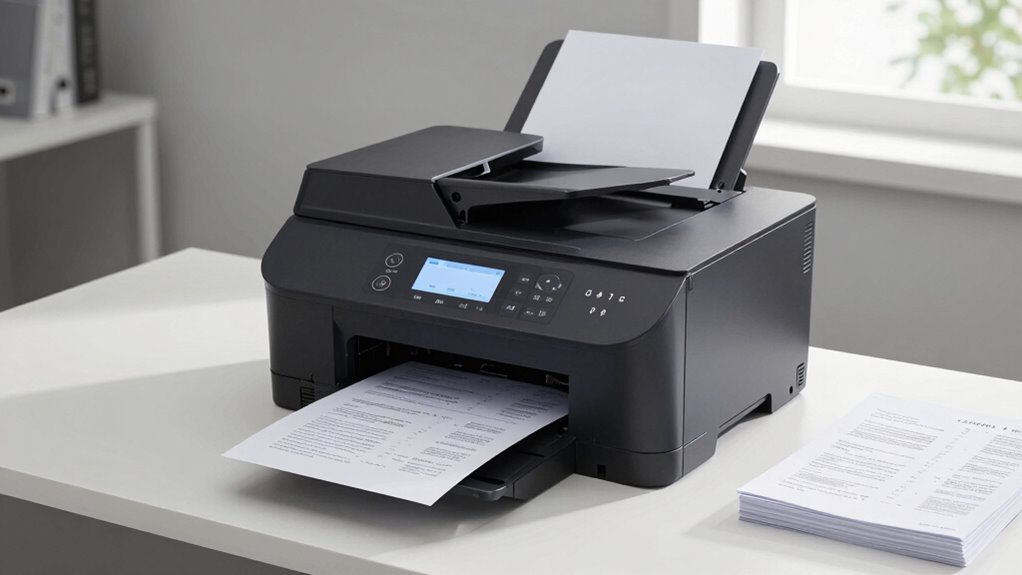

Duplex printing automatically prints on both sides of a sheet, saving you time and paper with minimal effort. It speeds up your workflow by reducing manual flipping and allows you to produce professional, double-sided documents effortlessly. This feature also cuts down paper consumption, helping you save money and support environmental goals. When you choose duplex printing, you’re making your printing more efficient and eco-friendly, and there’s more to discover if you continue exploring its benefits.

Prime made for students and young adults
- Fast, free delivery for dorm and study essentials
- Prime Video and Amazon Music included
- Member-only deals
Key Takeaways
- Duplex printing automatically prints on both sides of the paper, reducing paper use and saving costs.
- It accelerates printing workflows by eliminating manual flipping of pages, saving time.
- Using duplex printing minimizes paper waste, supporting environmental sustainability efforts.
- It enhances document organization and professionalism with neatly double-sided pages.
- Long-term, duplex printing lowers expenses and aligns with sustainability goals for organizations.
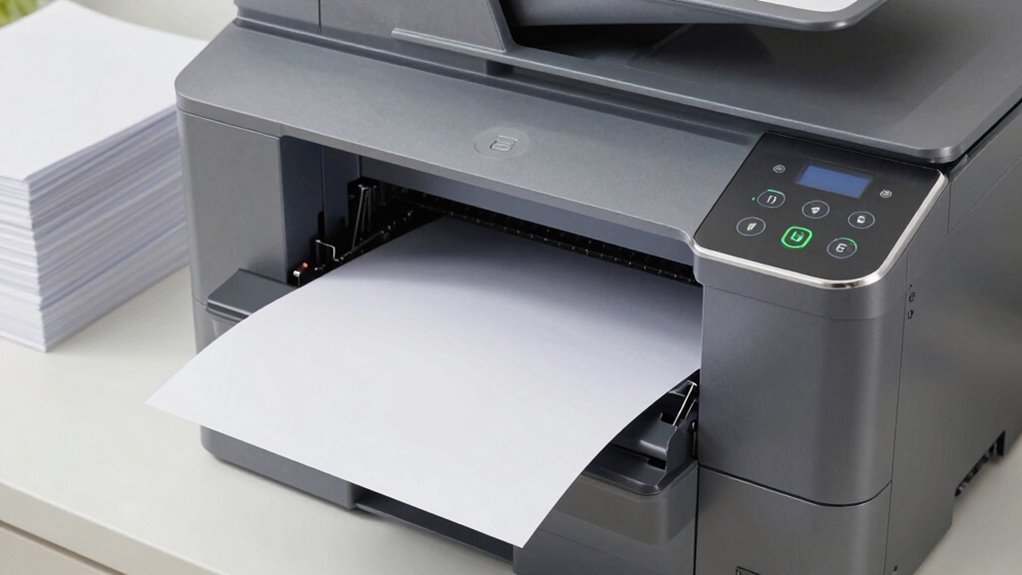
Have you ever wondered how to save paper and reduce printing costs? If so, duplex printing is a smart solution worth exploring. This method allows you to print on both sides of a sheet of paper automatically, making your printing process more efficient and cost-effective. By adopting duplex printing, you not only cut down on paper usage but also enhance your overall cost efficiency. Less paper means fewer purchases, which directly benefits your budget. Furthermore, reducing paper consumption has a significant positive impact on the environment. Fewer printed pages mean fewer trees are cut down, less energy is used in paper production, and less waste ends up in landfills. This simple shift in printing habits can contribute to a more sustainable future, aligning your daily operations with environmentally responsible practices. Free Floating can also improve the organization of your printed documents, making them easier to handle and store.
Implementing duplex printing is straightforward, especially with modern printers that come equipped with automatic duplexing features. Once you activate the duplex setting, your printer handles the flipping process internally, saving you time and effort. This automation not only speeds up your workflow but also minimizes the risk of paper jams or misprints that can occur with manual duplexing. As a result, you spend less time troubleshooting and more time focusing on your tasks. Additionally, duplex printing encourages you to be more mindful about your printing habits. Before hitting print, you tend to review your documents more carefully, reducing unnecessary pages and waste.
Beyond the immediate benefits of cost savings and environmental impact, duplex printing fosters a more organized and professional approach to document handling. Double-sided documents are easier to manage, copy, or share, especially in business settings. They also make reports and presentations look cleaner and more polished. Over time, these advantages compound, leading to a more sustainable and economical printing routine. Plus, many organizations are now incentivized or required to adopt greener practices, and duplex printing helps meet such sustainability goals without significant investment or effort.
As an affiliate, we earn on qualifying purchases.
Frequently Asked Questions
Can All Printers Handle Duplex Printing Automatically?
Not all printers handle duplex printing automatically. To guarantee smooth operation, you need to check your printer’s features, especially print speed and printer maintenance requirements. Automatic duplexing requires specific hardware, so if your printer lacks this feature, you’ll need to manually flip pages. Regular printer maintenance helps prevent jams and issues, keeping your duplex printing efficient, saving you time, paper, and effort in the long run.
How Do I Enable Duplex Printing on My Device?
Enabling duplex printing is like flipping a switch to reveal hidden potential. First, access your printer settings on your device, ensuring your printer supports duplex printing—some models might not be compatible. Then, select “Print” and look for the duplex or double-sided printing option. Turn it on, and you’re all set. Always check your printer’s manual for specific steps, as device compatibility varies.
Is Duplex Printing More Cost-Effective Than Single-Sided?
Yes, duplex printing is more cost-effective than single-sided printing because it reduces paper usage, leading to significant cost savings over time. Additionally, it has a positive environmental impact by conserving resources and lowering waste. By choosing duplex printing whenever possible, you not only save money but also contribute to sustainability efforts. This simple switch helps reduce your printing costs and environmental footprint simultaneously.
Does Duplex Printing Affect Print Quality?
Duplex printing doesn’t negatively impact print quality; it maintains sharpness, clarity, and consistency. You’ll notice that print resolution stays high, ensuring detailed images and crisp text. Modern printers optimize ink absorption, preventing smudging or uneven ink spread on both sides. So, you can confidently print duplex without sacrificing quality, enjoying professional results whether you’re printing documents, graphics, or photos.
Are There Any Paper Types Incompatible With Duplex Printing?
Some paper types aren’t compatible with duplex printing because of paper compatibility issues and ink absorption problems. You should avoid using very glossy or thick cardstock, as they can jam or cause uneven ink absorption, leading to print quality issues. Instead, opt for standard weight, matte, or specially designed duplex paper. Always check your printer’s specifications to guarantee your paper type supports duplex printing and prevents potential problems.
As an affiliate, we earn on qualifying purchases.
Conclusion
By embracing duplex printing, you’re not just saving paper—you’re making a smart move that streamlines your workflow like a well-oiled machine. It’s the silent hero in your office that cuts costs and reduces waste without demanding extra effort. Once you see how effortlessly it integrates into your routine, you’ll wonder how you ever printed without it. Duplex printing truly transforms your printing habits into a symphony of efficiency, saving you time and resources with every page.
As an affiliate, we earn on qualifying purchases.
automatic document feeder for duplex printing
As an affiliate, we earn on qualifying purchases.
As an affiliate, we earn on qualifying purchases.
Fall Picks
fall essentials
As an affiliate, we earn on qualifying purchases.