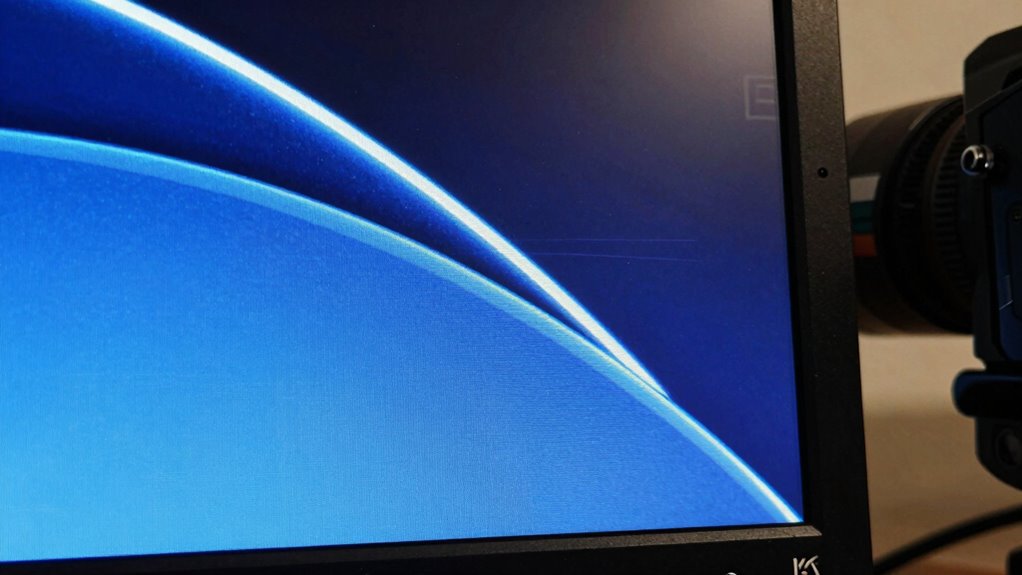
Even on a 4K screen, you might notice images and text look fuzzy or weird because scaling isn’t perfect. Operating systems resize icons and visuals to keep everything visible, but this can cause blurriness or pixelation, especially if apps don’t handle scaling well. Color accuracy may also shift, and high refresh rates can introduce artifacts. To get the sharp, vibrant display you expect, proper setup and calibration matter. Keep going to discover how you can optimize your high-res experience.
Key Takeaways
- Inconsistent application scaling can cause blurry or pixelated visuals despite high resolution.
- Poor calibration or improper color settings may distort color accuracy on 4K screens.
- Hardware limitations or mismatched refresh rates can lead to visual artifacts like tearing.
- Not all software handles scaling uniformly, resulting in uneven sharpness and clarity.
- Incorrect display or system configurations can reduce the crispness and cause visual oddities.
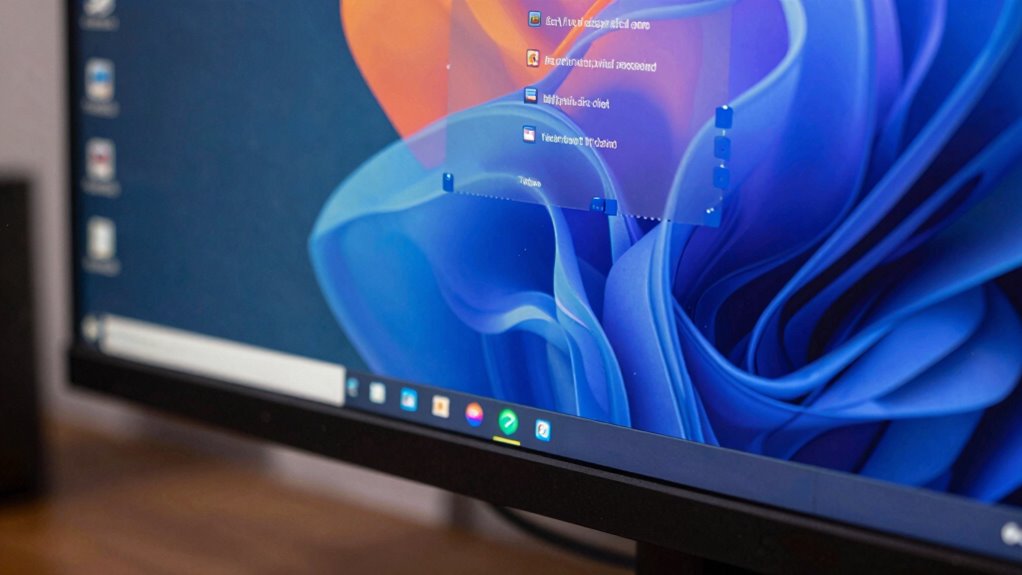
A 4K monitor offers stunning detail and clarity, but scaling can be a challenge for many users. When you’re working with such a high resolution, the operating system has to resize interface elements, icons, and text to make everything visible and usable. This scaling process isn’t perfect, and sometimes your screen can look weird or blurry. One reason is that not all applications handle scaling equally well, leading to inconsistent sharpness and quality. You might notice that some images or text appear slightly fuzzy or pixelated, which can be frustrating when you’re aiming for crisp visuals.
Another aspect to contemplate is color accuracy. A 4K display can, in theory, deliver incredibly vibrant and precise colors, but improper scaling can distort color rendering. When scaling isn’t optimized, you might see color shifts or washed-out hues, especially in detailed graphics or when viewing content with subtle color gradations. This mismatch can make your screen look less sharp and accurate, defeating the purpose of investing in a high-resolution monitor. To get the best color accuracy, you need to verify your graphics drivers and display settings are configured correctly, and that the monitor itself is calibrated properly. Poor calibration combined with improper scaling can make even the most advanced screens look less than ideal.
The refresh rate also plays a vital role in how your 4K monitor performs, especially during fast-paced activities like gaming or video editing. A higher refresh rate (such as 120Hz or 144Hz) results in smoother motion, but it can also introduce scaling issues if your hardware or software doesn’t support it well. When your system struggles to keep up with the refresh rate at 4K resolution, you might notice tearing or stuttering, which adds to the weird visual artifacts you’re trying to avoid. Properly matching your GPU capabilities with your monitor’s refresh rate ensures that motion remains fluid and sharp, avoiding the choppy, jittery effect that can make a high-quality display look off.
Ultimately, achieving perfect 4K scaling takes a combination of good hardware, correct software settings, and calibration. Even with a stunning, sharp screen, if any of these factors aren’t aligned, you’ll find the display can look a bit weird sometimes. But with careful adjustments, you can enjoy that incredible detail, vibrant colors, and smooth motion that 4K monitors are meant to deliver. Paying attention to display configuration can significantly improve your overall viewing experience. Understanding how hardware limitations impact scaling can help you troubleshoot and optimize your setup more effectively, especially when considering software compatibility across different applications. Additionally, exploring scaling algorithms and their effectiveness can further help in refining visual output for a more consistent display quality.

Datacolor SpyderExpress – Easy Monitor Calibration for Photo, Design & Content Creation, Supports MacBook M4 mini-LED, Calibrates 3 Displays, Fast 90-Second Setup, Upgradeable Software
- Quick & Easy Color Calibration: Precise colors for photo and content creation
- Supports Latest Displays: Compatible with MacBook M4 mini-LED and more
- Fast Setup: Calibrates in just 90 seconds for quick results
As an affiliate, we earn on qualifying purchases.
As an affiliate, we earn on qualifying purchases.
Frequently Asked Questions
How Does Scaling Affect Gaming Performance on 4K Monitors?
Scaling can impact gaming performance on your 4K monitor by affecting gaming latency and graphics optimization. When scaling isn’t done properly, you might notice lag or image blurriness, which can hinder gameplay. It’s vital to optimize graphics settings and guarantee your GPU handles scaling well. This way, you reduce latency and improve visuals, giving you a smoother gaming experience with sharp, clear images even at high resolutions.
Can Software Updates Improve Scaling Issues on Existing Monitors?
Yes, software updates can improve scaling issues on your existing monitor. Updates often enhance color accuracy and optimize refresh rate management, making images look sharper and more natural. They can also fix bugs causing weird visual artifacts. By keeping your graphics drivers and monitor firmware current, you guarantee better scaling performance, which helps your display look more consistent, vibrant, and true-to-life during everyday use or gaming.
Why Do Some Apps Look Blurry on 4K Screens?
Some apps look blurry on 4K screens because they don’t handle high display resolution and pixel density well. When an app isn’t optimized for 4K, it might use scaled graphics, causing blurriness. You can fix this by adjusting app settings or enabling high-DPI scaling, ensuring the display resolution and pixel density are properly managed. This helps make visuals sharper and clearer, improving your overall viewing experience.
Is Hardware Calibration Necessary for Optimal 4K Display Quality?
If you’re aiming for the best 4K display, hardware calibration isn’t always necessary, but it helps. Imagine noticing dull colors or washed-out contrast on your monitor—calibrating with tools for color calibration and contrast adjustment can fix this. For example, a photographer improved their image accuracy by calibrating their monitor, ensuring colors were true to life. So, calibration fine-tunes your display for sharper, more vibrant visuals when done correctly.
What Are Future Technologies Expected to Improve 4K Scaling?
Future technologies like AI upscaling and hardware enhancements are set to markedly improve 4K scaling. AI algorithms can intelligently refine images, making them sharper and more natural, even on lower-resolution sources. Hardware improvements will boost processing power and reduce lag, ensuring smoother visuals. Together, these advancements will make scaling more seamless, so you won’t notice artifacts or blurriness, providing a much crisper and more consistent viewing experience.
Datacolor SpyderExpress – Easy Monitor Calibration for Photo, Design & Content Creation, Supports MacBook M4 mini-LED, Calibrates 3 Displays, Fast 90-Second Setup, Upgradeable Software
- Quick & Easy Color Calibration: Precise colors for photo and content creation
- Supports Latest Displays: Compatible with MacBook M4 mini-LED and more
- Fast Setup: Calibrates in just 90 seconds for quick results
As an affiliate, we earn on qualifying purchases.
As an affiliate, we earn on qualifying purchases.
Conclusion
So, even with a crystal-clear 4K monitor, scaling can sometimes feel like trying to fit a square peg in a round hole—sharp on the surface, but a little off in the details. Think of it like a masterpiece that needs just the right frame; when it’s not quite right, it can throw off the entire picture. Just remember, patience and tweaks are your brushes, helping your screen finally look as perfect as the art it’s meant to display.

acer Nitro 27” 4K UHD 3840 x 2160 Gaming IPS Monitor | AMD FreeSync Premium | Up to 160Hz Refresh Rate with DFR to FHD 320Hz| Up to 0.5ms | 1 x Display Port 1.4 & 2 x HDMI 2.1 Ports | VG270K V4bmiipx
- Display Size and Resolution: 27-inch 4K UHD IPS display
- Design: Zero-frame design for immersive viewing
- Adaptive Sync Technology: AMD FreeSync Premium for smooth gameplay
As an affiliate, we earn on qualifying purchases.
As an affiliate, we earn on qualifying purchases.

Sharp NEC Display NP-PA804UL-W-41 3D Ready LCD Projector – 16:10 – Wall Mountable – White
- 4K Ready with HDR Support: Displays stunning 4K 60P content with HDR10 and BT.2020
- Simplified Control Compatibility: Basic control of competitor products reduces reprogramming
- TileMatrix for 4K Projection: Enables 4Kx2K resolution with 4 projectors via HDBaseT
As an affiliate, we earn on qualifying purchases.
As an affiliate, we earn on qualifying purchases.