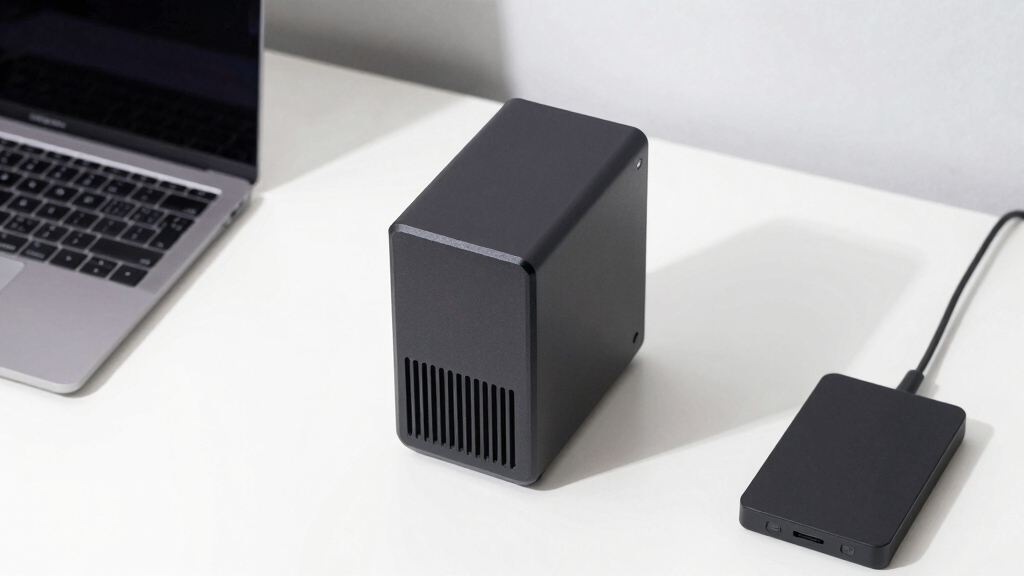

Choosing the best home NAS storage for backups involves balancing capacity, speed, ease of use, and future-proofing. The Synology DiskStation DS925+ stands out as the best overall due to its strong performance and expandability, while the BUFFALO LinkStation 210 offers a budget-friendly option for simple backups. The main tradeoffs often involve deciding between higher capacity and faster data transfer versus ease of setup and affordability. Continue reading for a detailed breakdown of these options and what makes each one suited to different needs.
Key Takeaways
- High-performance models like the Synology DS925+ provide excellent speed and expandability but come at a higher cost.
- Budget options such as the Buffalo LinkStation 210 are suitable for basic backup tasks but lack advanced features.
- Diskless NAS units offer flexibility but require compatible drives and some technical knowledge to set up properly.
- The inclusion of features like 2.5GbE or 10GbE ports significantly improves backup speeds, especially for larger data volumes.
- Ease of use varies widely; brands like Synology typically deliver more user-friendly interfaces compared to lesser-known brands.
| UGREEN NAS DH4300 Plus 4-Bay Desktop NAS with 128TB Support, AI Photo Album, 8GB RAM, 2.5GbE, 4K HDMI, Diskless |  | Best Value for Large Media Libraries and Easy Setup | Capacity: 128TB | Number of Bays: 4 | RAM: 8GB LPDDR4X | VIEW LATEST PRICE | See Our Full Breakdown |
| Synology 2-Bay NAS DS223 (Diskless) |  | Best for Small-Scale, Reliable Backup and Private Cloud | Product Type: System Cabinet | Compatible Devices: Desktop, Laptop, Smartphone | Color: Black | VIEW LATEST PRICE | See Our Full Breakdown |
| BUFFALO LinkStation 210 6TB 1-Bay NAS with HDD Included |  | Best for Out-of-the-Box Simplicity and Basic Backup Needs | Capacity: 6TB | Number of Bays: 1 | Included Drives: HDD included | VIEW LATEST PRICE | See Our Full Breakdown |
| Synology DiskStation DS925+ (Diskless) 4-Bay NAS |  | Best Overall for Versatility and Expandability | Model: DS925+ | Drive Bays: 4 (diskless) | Maximum Supported Drives: 9 with expansion | VIEW LATEST PRICE | See Our Full Breakdown |
| UGREEN NAS DXP4800 Plus 4-Bay Desktop NAS with Intel Pentium Gold 8505, 8GB DDR5 RAM, 128GB SSD, 10GbE & 2.5GbE, M.2 NVMe Slots, 4K HDMI, Diskless |  | Best for High Performance and Large Storage Capacity | Processor: Intel Pentium Gold 8505 5-Core | RAM: 8GB DDR5 | Storage: Built-in 128GB SSD (hard drives sold separately) | VIEW LATEST PRICE | See Our Full Breakdown |
| Synology 2-Bay DiskStation DS223j (Diskless) |  | Best for Basic Private Cloud Storage | Model: DS223j | Number of Bays: 2 | Diskless: Yes | VIEW LATEST PRICE | See Our Full Breakdown |
| Yxk Zero1 2-Bay Desktop NAS, 60TB Max (Diskless), Home Storage with 4GB RAM, 2.5GbE, 4K HDMI, Secure Remote Access |  | Best Compact and User-Friendly for Home Use | Maximum Storage Capacity: 60TB | RAM: 4GB | Network Ports: 2.5GbE | VIEW LATEST PRICE | See Our Full Breakdown |
More Details on Our Top Picks
UGREEN NAS DH4300 Plus 4-Bay Desktop NAS with 128TB Support, AI Photo Album, 8GB RAM, 2.5GbE, 4K HDMI, Diskless
The UGREEN NAS DH4300 Plus offers an impressive 128TB capacity in a 4-bay enclosure, making it ideal for users with extensive media collections or backup needs. Its user-friendly setup and multi-device support, including remote access and AI photo management, make it more accessible than enterprise-grade NAS options like the Synology DS223. However, since it’s diskless, you’ll need to purchase disks separately, and its performance can be limited by network infrastructure. Compared to more advanced models, it balances capacity and ease of use without sacrificing too much functionality.
Pros:- Massive 128TB storage capacity for media and backups
- Easy setup with remote access and multi-device compatibility
- AI photo album features for automatic backup and duplicate removal
- Supports 4K HDMI output for media viewing
Cons:- Disks are sold separately, adding to initial cost
- Limited to entry-level performance without advanced virtualization
- Network-dependent performance may vary
Best for: Home users with large media collections or extensive backups who want a straightforward, high-capacity solution.
Not ideal for: Power users needing advanced virtualization or high-speed enterprise features, as this is more budget-friendly and basic.
- Capacity:128TB
- Number of Bays:4
- RAM:8GB LPDDR4X
- Network Ports:2.5GbE
- Video Output:4K HDMI
- Supported OS:Windows, macOS, Android, iOS
Bottom line: This NAS provides a high-capacity, user-friendly backup solution perfect for media-heavy households on a budget.
Synology 2-Bay NAS DS223 (Diskless)
The Synology DS223 excels as an entry-level NAS for small households or personal backups, offering straightforward setup and reliable data management. Compared with the BUFFALO LinkStation, its Synology DiskStation Manager interface is more refined and easier for beginners to navigate, especially for creating a private cloud. Its limited to two bays, however, which caps total storage and flexibility for expanding backups. Still, for users wanting a dependable, easy-to-manage device for personal data, it strikes a solid balance between simplicity and functionality.
Pros:- Simple setup and intuitive app interface
- Supports private cloud creation and multi-platform access
- Includes data protection and backup features
- Reliable hardware with a 2-year warranty
Cons:- Limited to 2 bays, restricting total storage
- Requires technical knowledge for initial setup
- No pre-installed disks, additional purchase needed
Best for: Individuals or small families needing a simple, trustworthy backup solution with easy remote access.
Not ideal for: Those with large media libraries or needing extensive storage capacity, as its two-bay design limits expansion.
- Product Type:System Cabinet
- Compatible Devices:Desktop, Laptop, Smartphone
- Color:Black
- Enclosure Material:Metal
- Dimensions:9.15 x 4.25 x 6.5 inches
- Warranty:2 Years
Bottom line: This NAS suits users seeking a dependable, easy-to-use backup solution for small-scale needs, prioritizing simplicity over expandability.
BUFFALO LinkStation 210 6TB 1-Bay NAS with HDD Included
The BUFFALO LinkStation 210 offers a ready-to-use 6TB drive, making it an excellent choice for users who want immediate backup capability without additional setup. Its one-bay design simplifies installation and use, especially for those not comfortable with configuring multi-bay systems like the UGREEN or Synology. While 6TB is modest compared to larger-capacity options, the included hard drive and basic security features make it ideal for small households or personal backups. Its basic design, however, limits advanced features like remote access or multi-user management.
Pros:- Pre-installed 6TB drive for immediate use
- Easy to set up and operate
- Secure file sharing with user access controls
- Two-year warranty and US-based support
Cons:- Limited to 6TB capacity with a single bay
- Basic features may lack advanced security or remote access
- Design is simple and may appear outdated
Best for: Individuals who want a simple, plug-and-play backup device with minimal fuss and included storage.
Not ideal for: Users needing larger capacity, multi-user support, or advanced features like media streaming or remote management.
- Capacity:6TB
- Number of Bays:1
- Included Drives:HDD included
- Dimensions:5.02 x 8.07 x 5.02 inches
- Weight:2.4 pounds
- Warranty:2 years
Bottom line: This NAS is a straightforward, ready-to-go backup device perfect for users prioritizing ease and immediate storage, with limited scalability.
Synology DiskStation DS925+ (Diskless) 4-Bay NAS
The Synology DS925+ stands out as the most adaptable option for users who want a comprehensive backup solution with room to grow. Its dual 2.5GbE ports support high-speed data transfer, making backups faster and more efficient than the 2-bay DS223j, which is better suited for basic storage needs. The ability to expand to nine drives offers significant scalability, ideal for those planning long-term backup storage. However, this flexibility comes with a steeper learning curve and the need for technical setup, especially since it arrives diskless. Compared to the Yxk Zero1, it’s more complex but offers more robust management features. This model is perfect for tech-savvy households or small offices that need advanced backup and data sharing capabilities, but not for those seeking a simple plug-and-play device.
Pros:- Supports high-speed data transfer with dual 2.5GbE ports
- Expandable storage capacity up to nine drives
- Includes built-in caching with M.2 NVMe slots
- Flexible all-in-one solution for data sharing, backup, and surveillance
Cons:- Requires technical knowledge for setup and expansion
- No included drives, diskless configuration
Best for: Tech-savvy users needing scalable, feature-rich backup storage with high transfer speeds
Not ideal for: Beginners or users preferring simple setup without technical knowledge
- Model:DS925+
- Drive Bays:4 (diskless)
- Maximum Supported Drives:9 with expansion
- Network Ports:2 x 2.5GbE
- Sequential Read/Write Throughput:522/565 MB/s
- Cache Slots:2 M.2 NVMe
- Dimensions:8.78 x 7.83 x 6.54 inches
- Warranty:3 years
Bottom line: Best suited for experienced users seeking a scalable, high-performance backup NAS with advanced features.
UGREEN NAS DXP4800 Plus 4-Bay Desktop NAS with Intel Pentium Gold 8505, 8GB DDR5 RAM, 128GB SSD, 10GbE & 2.5GbE, M.2 NVMe Slots, 4K HDMI, Diskless
The UGREEN NAS DXP4800 Plus is a powerhouse designed for users who need serious speed and large storage potential. Its Intel Pentium Gold 8505 processor and 8GB DDR5 RAM deliver smooth multitasking, making it a step above the DS223j or Yxk Zero1 in processing power. With support for up to 144TB of storage via RAID configurations, it’s ideal for small offices or households with extensive backup needs. The inclusion of 10GbE alongside 2.5GbE ports ensures rapid data transfer, surpassing the basic network speeds of other models. Its 4K HDMI output adds a multimedia dimension, unlike the more straightforward DS223j. The tradeoff? Its larger size and complexity may be daunting for casual users, and drives are sold separately. This pick aligns best with users who prioritize speed, expandability, and multimedia features over simplicity.
Pros:- Powerful Intel Pentium Gold 8505 processor for multitasking
- Supports up to 144TB of total storage with RAID
- Fast network speeds with 10GbE and 2.5GbE ports
- Includes 4K HDMI output for media display
Cons:- Requires separate purchase of hard drives
- Complex setup process for less technical users
- Relatively large and heavy for small spaces
Best for: Power users needing fast backups, large storage, and multimedia support
Not ideal for: Users seeking a simple plug-and-play device or with limited technical experience
- Processor:Intel Pentium Gold 8505 5-Core
- RAM:8GB DDR5
- Storage:Built-in 128GB SSD (hard drives sold separately)
- Network Ports:1 x 10GbE, 1 x 2.5GbE
- Maximum Storage Capacity:Up to 144TB
- Dimensions:10.14″ D x 7.01″ W x 7.01″ H
- Weight:3.79 kg
Bottom line: Ideal for users who need high-speed, large-capacity storage with multimedia capabilities and are comfortable with setup complexity.
Synology 2-Bay DiskStation DS223j (Diskless)
The Synology DS223j excels as a straightforward, secure backup device for smaller households or individuals who prioritize data privacy. Its two-bay design is less expandable than the DS925+ but offers enough capacity for everyday backups and file sharing. Compared to the Yxk Zero1, it’s more focused on security and multi-platform support, making it a strong choice for those who want a simple, reliable private cloud. The main limitation is its lack of pre-installed drives, requiring users to purchase and install drives themselves, which could be a hurdle for less technical users. Its modest hardware makes it less suitable for large-scale backups or multimedia tasks. This device is best for users who want a secure, dedicated backup solution without unnecessary complexity.
Pros:- Secure private cloud with full data ownership
- Easy sharing and syncing across multiple platforms
- Supports comprehensive data backups
Cons:- Requires additional drives for storage capacity
- Setup may demand some technical familiarity
Best for: Small households or individuals seeking secure, private backup storage
Not ideal for: Power users or households with large data needs requiring extensive scalability
- Model:DS223j
- Number of Bays:2
- Diskless:Yes
- Warranty:2 years
Bottom line: A reliable, secure choice for users needing private cloud backup without complexity or large scalability.
Yxk Zero1 2-Bay Desktop NAS, 60TB Max (Diskless), Home Storage with 4GB RAM, 2.5GbE, 4K HDMI, Secure Remote Access
The Yxk Zero1 offers a straightforward, space-efficient backup solution designed for home or small office environments. Its simple setup via mobile or desktop app, aided by QR code scanning, makes it accessible for those who shy away from complex configurations. While its two-bay design limits total capacity compared to larger NAS units, it supports up to 60TB, suitable for most family backups. It also includes remote access and 4K HDMI, integrating media display and easy management. The main tradeoff is the need to purchase drives separately, and its limited bays restrict future expansion. Compared to the DS925+ or DXP4800, it sacrifices some scalability but excels in ease of use and compact design. This device makes the most sense for users seeking a reliable, simple backup device with local media features.
Pros:- Easy setup with mobile/desktop app and QR code
- Secure private cloud with encryption and permissions
- Compact, silent operation and remote access
Cons:- Limited to 2 drive bays, restricting future expansion
- Requires hardware drives for storage capacity
Best for: Home users needing an easy, compact backup device with remote access
Not ideal for: Power users or those with large, growing backup needs requiring scalability
- Maximum Storage Capacity:60TB
- RAM:4GB
- Network Ports:2.5GbE
- Video Output:4K HDMI
- Weight:2kg
- Design:Silent, compact
Bottom line: Perfect for home users wanting a simple, secure backup device with media features and easy setup.
How We Picked
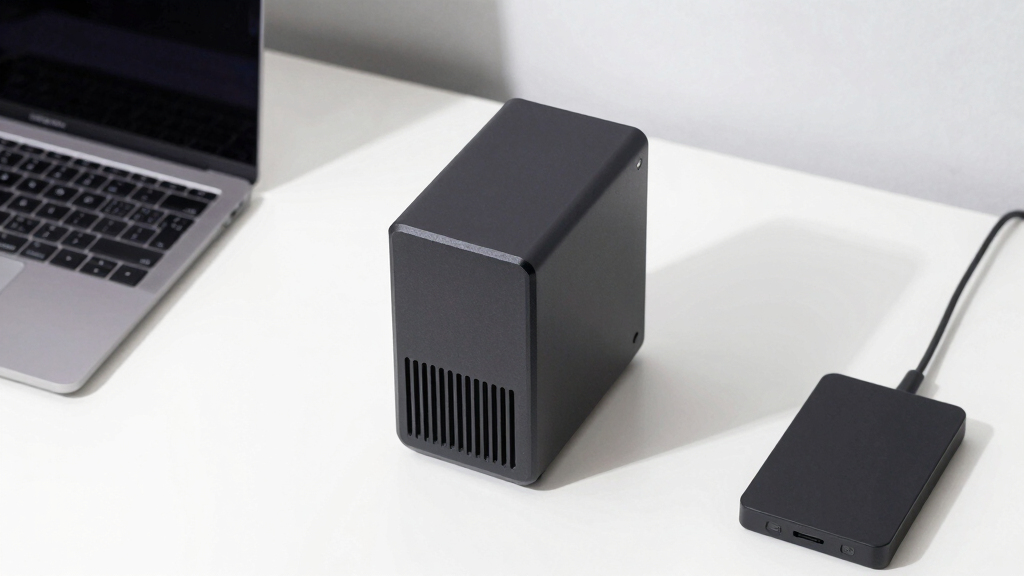
These products were selected based on their ability to serve as reliable home backup solutions. Key factors included data transfer speed, storage capacity, ease of setup, build quality, and expandability. We prioritized models that balance performance with value, considering the typical needs of home users for secure, fast, and straightforward backups. Devices with advanced features like multiple drive bays, faster networking options, and user-friendly interfaces ranked higher, as they better meet the demands of regular data protection at home.Factors to Consider When Choosing Best Home Nas Storage For Backups
When choosing a home NAS storage for backups, understanding your specific needs is critical. Beyond the initial cost, consider how much data you need to back up regularly, the speed at which you want backups to complete, and how easy the device is to manage. Flexibility for future expansion and network connectivity options can make a significant difference over time. Additionally, assess the reliability of the brand and the quality of the user interface, especially if you’re not technically inclined. Making informed choices helps avoid common pitfalls like underestimating storage needs or choosing overly complex setups.Capacity and Scalability
Determining your current storage needs is essential, but also consider future growth. Many users start with a modest capacity but will benefit from models that support drive expansion or additional bays. Overestimating can lead to unnecessary expense, while underestimating can cause frequent upgrades. Look for NAS units that allow you to add drives or replace existing ones with larger ones without replacing the entire device, providing a smoother upgrade path over time.
Performance and Network Speed
Backup speed depends heavily on the NAS’s internal hardware and network connection. Devices equipped with 2.5GbE or 10GbE ports enable faster transfers, especially beneficial for larger backups or multiple devices. Storage drives also matter—SSD cache can accelerate access, but increases cost. Balance your need for speed with your budget, and remember that network infrastructure upgrades may be necessary to fully utilize higher-speed ports.
Ease of Use and Management
For home users, a straightforward setup and user interface are critical. Brands like Synology excel here with intuitive apps and clear instructions, minimizing the learning curve. Lesser-known brands might require more technical know-how, which can lead to frustration or setup errors. Consider whether you prefer a plug-and-play experience or are comfortable managing more complex configurations.
Reliability and Data Security
Reliable hardware and security features like RAID support, automatic backups, and remote access are vital. RAID configurations safeguard against drive failure, and encryption options protect sensitive data. A well-built NAS with good cooling and solid components minimizes the risk of hardware failures. Security features become increasingly important if remote access is enabled to prevent unauthorized data breaches.
Cost and Total Ownership
Initial purchase price is only part of the total cost; consider drive costs, potential expansion, and maintenance over time. Budget options may save money upfront but could require frequent upgrades or be less reliable. Premium models often include better hardware and software features, which justify higher prices for users needing dependable, high-speed backups. Finding the right balance between budget and features ensures a smarter investment that aligns with your backup needs.
Frequently Asked Questions
How much storage do I need for my home backups?
Start by calculating your current data volume and adding some buffer space for future growth. A common mistake is underestimating needs, which leads to frequent upgrades or data management issues. For most home users, 4TB to 8TB provides ample room for backups, photos, videos, and documents, but larger families or media enthusiasts may require 12TB or more. Choosing a NAS with scalability options can help accommodate future storage expansion without replacing the entire device.
Is a diskless NAS a good choice for backups?
Diskless NAS units offer flexibility because you select and install drives tailored to your needs, but they require some technical skill to set up properly. Compatibility with drives, RAID configuration, and network setup are critical considerations. For users comfortable with hardware assembly and network management, diskless models can be a cost-effective and customizable option. However, for those seeking a simple, plug-and-play solution, pre-installed drives or ready-to-use systems might be preferable.
Should I prioritize faster network ports for backup speed?
Faster network interfaces like 2.5GbE or 10GbE significantly reduce backup times, especially when transferring large files or multiple devices. However, to fully benefit from these speeds, your home network infrastructure—such as switches and cabling—must also support higher bandwidths. If your current setup is limited to gigabit Ethernet, investing in faster ports might not produce immediate benefits unless you upgrade other components. Consider your backup volume and future plans before prioritizing high-speed ports.
What is the importance of RAID support in a home NAS?
RAID configurations provide redundancy, helping protect your data against drive failure—a critical feature for reliable backups. Even if you select a single-drive NAS, it’s wise to consider models that support RAID or have backup options. For larger setups, RAID 1 or RAID 5 offer a good balance between data safety and storage efficiency. Keep in mind that RAID is not a substitute for off-site backups but adds an important layer of data security within your home environment.
Are higher-capacity NAS units worth the investment?
Higher-capacity NAS units are beneficial if you anticipate significant data growth or want to keep backups for many years. They often come with more bays, faster processors, and better features, which improve overall performance and longevity. However, they also tend to cost more upfront and may require larger or more expensive drives. If your backup needs are modest now but expected to grow, choosing a scalable, higher-capacity model can save money and hassle in the long run.
Conclusion
For most home users, the Synology DiskStation DS925+ offers the best balance of performance, expandability, and user-friendliness, making it the top overall choice. Budget-conscious buyers who want straightforward backups will find the Buffalo LinkStation 210 sufficient and cost-effective. Those seeking a premium, high-speed solution should consider models with 10GbE ports, like the UGREEN NAS DXP4800 Plus. Beginners or less technical users benefit from brands with intuitive interfaces, while power users or media enthusiasts may prioritize larger capacities and faster networking. Carefully matching your backup volume, speed needs, and technical comfort level will ensure a dependable, future-proof setup.