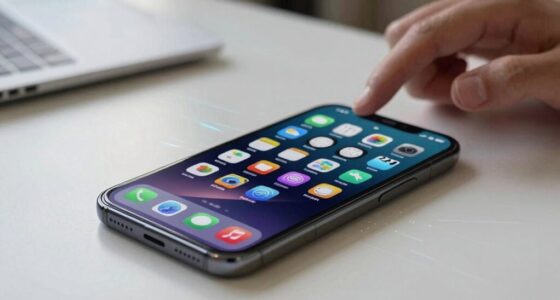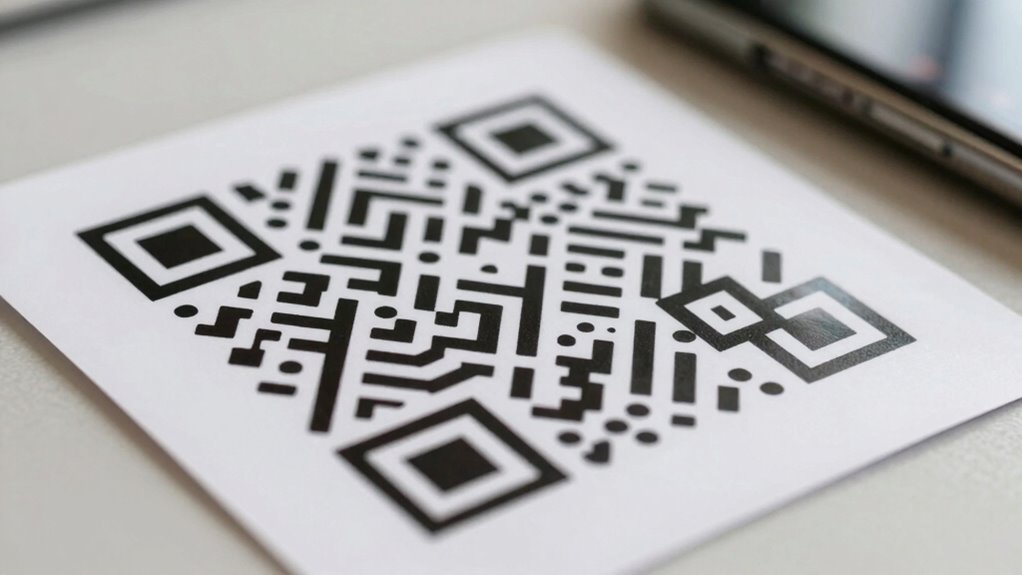

Before scanning a QR code, check its design for a clean, consistent look without suspicious overlays or distortions. Verify the source—codes from trusted websites or official materials are safer. When you scan, look at the URL that appears; avoid strange domain names or misspellings. Be cautious of alterations or suspicious appearances. Using security tools can help spot threats. If you pay close attention now, you’ll gain helpful tips to stay safe with QR codes.

Get school and study supplies delivered free — and shop member deals
- Fast, free delivery on millions of items
- Access to Prime Big Deal Days deals on October 6–7
- Prime Video, Amazon Music and more included
Key Takeaways
- Examine the QR code for a clean, consistent design without suspicious overlays or distortions.
- Check the URL preview for misspellings, strange domains, or unfamiliar extensions before opening.
- Verify the source of the QR code, preferring reputable websites or trusted communications.
- Be cautious of modified or suspicious-looking codes in public spaces or from unknown senders.
- Use security apps or tools to analyze links for potential threats before visiting.
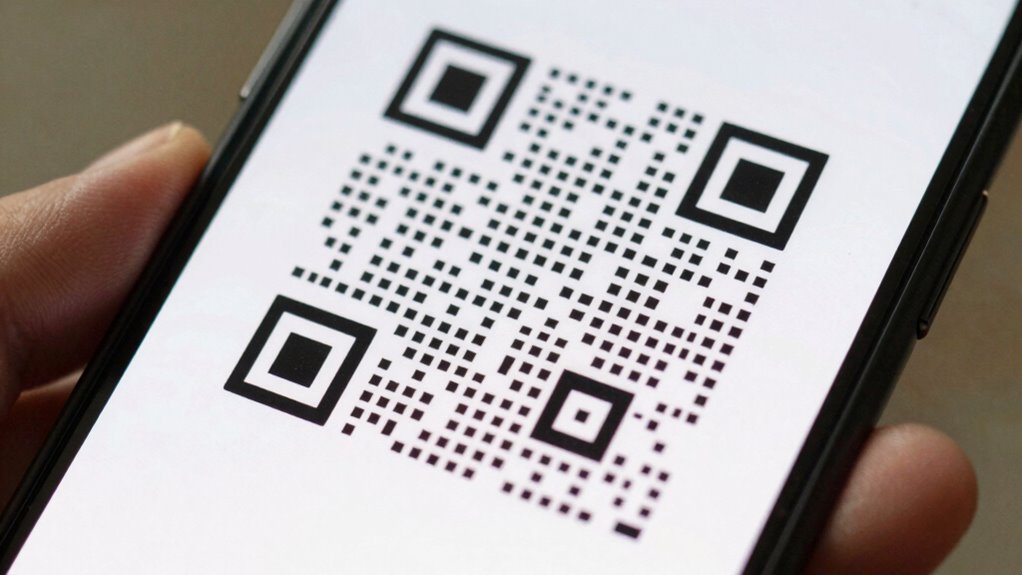
Ever wondered how to determine if a QR code is safe before you scan it? You’re right to be cautious. QR codes are convenient tools, but they can also hide malicious links or lead you to harmful websites. To protect yourself, start by examining the QR code’s design. A legitimate QR code will typically have a clean, professional appearance without any suspicious overlays, distortions, or added images that seem out of place. Scammers often modify QR codes with logos or extra graphics to mask malicious intent, so if something looks off, it’s best to avoid scanning it. Pay attention to the overall pattern; genuine codes follow a consistent design style, making them recognizable.
Check for clean, professional QR codes without suspicious overlays or distortions to stay safe from malicious links.
Another key step is malicious URL detection. When you scan a QR code, most smartphones will display the URL before you open it. Take a moment to scrutinize this link carefully. Look for misspellings, strange domain names, or unfamiliar extensions—these are common signs of a phishing attempt or malicious site. For example, a URL that claims to be a reputable bank but has a strange domain extension or random characters should raise suspicion. For added security, malicious URL detection tools can analyze links for potential threats before you visit them. Many online tools can analyze links for malicious content, giving you an extra layer of protection. It’s also wise to verify the source of the QR code to ensure it’s from a trusted entity, as this significantly reduces the risk of encountering malicious links.
Additionally, consider the source of the QR code itself. If it’s posted on a reputable website, printed on official company materials, or sent through trusted channels, it’s more likely to be safe. Conversely, codes found in random places, like flyers in public areas or emails from unknown senders, warrant extra caution. When in doubt, don’t scan the QR code immediately. Instead, try to verify its source or ask the issuer directly if possible.
It’s also helpful to be aware of malicious QR code modifications, which scammers often use to disguise harmful links and trick users into scanning unsafe codes. Keeping your device’s security features up to date is another essential step in safeguarding yourself. Use security apps that can scan QR codes or check links for potential threats. Many of these apps can notify you if a link is malicious before you even visit the site. By paying attention to QR code design cues, performing thorough malicious URL detection, and sticking to trusted sources, you markedly reduce your risk. Remember, just because a QR code is quick and easy doesn’t mean it’s safe—being vigilant is your best defense.
QR code scanner app with malicious link detection
As an affiliate, we earn on qualifying purchases.
As an affiliate, we earn on qualifying purchases.
Frequently Asked Questions
Can a QR Code Be Hacked or Altered?
Yes, a QR code can be hacked or altered through malicious redirection or code tampering. Cybercriminals may replace legitimate QR codes with malicious ones that direct you to phishing sites or download malware. To stay safe, verify the source before scanning, look for signs of tampering like mismatched logos, and use security apps that can scan QR codes for potential threats. Always be cautious with unfamiliar or suspicious codes.
Are QR Codes From Trusted Sources Always Safe?
Imagine trusting a trusted friend’s handshake, but sometimes even the most reliable gestures hide secrets. QR codes from trusted sources often use encryption, making them safer, but they’re not foolproof. Always do visual verification—check for signs of tampering or unusual overlays. Remember, even trusted sources can be compromised, so stay vigilant. Use a secure scanning app that checks for malicious links, ensuring your digital safety isn’t just based on reputation.
What Devices Can Scan QR Codes Securely?
You can scan QR codes securely with smartphones and tablets that support QR code encryption and digital watermarking. These features help verify authenticity and protect your data. Use trusted scanning apps that prioritize security, which often include encryption capabilities, and look for digital watermarking that confirms the code’s legitimacy. Avoid generic or suspicious apps, and always make sure your device’s software is up to date for maximum security.
How Can I Verify a QR Code’s Link Before Opening?
To verify a QR code’s link before opening, gently hover over it with your device’s preview feature or use a secure scanner app. These tools can reveal if the link leads to encrypted links or suspicious URLs, giving you a sneak peek without direct access. If the URL looks odd or unfamiliar, it’s best to avoid scanning. Trust your instincts and double-check to keep your device safe from potential threats.
Are There Apps That Can Scan QR Codes Safely?
Yes, you can find apps that scan QR codes safely, especially those supporting dynamic QR codes and qr code encryption. These apps often preview the link before opening it, helping you verify its safety first. Look for reputable security-focused apps that encrypt data and support dynamic QR codes, which can be updated remotely if needed. Using such apps guarantees you avoid malicious links and protect your device from harm.
QR code security scanner for smartphones
As an affiliate, we earn on qualifying purchases.
As an affiliate, we earn on qualifying purchases.
Conclusion
Just like Odysseus carefully navigated treacherous waters, you should approach QR codes with caution. By inspecting for signs of tampering and using security tools, you steer clear of hidden dangers lurking beneath seemingly innocent images. Remember, the siren’s call of convenience shouldn’t drown out your instinct for safety. Stay vigilant, and you’ll avoid becoming a modern-day Icarus, flying too close to the digital sun. Stay smart, stay safe, and scan wisely.
anti-malware app for QR code safety
As an affiliate, we earn on qualifying purchases.
As an affiliate, we earn on qualifying purchases.
As an affiliate, we earn on qualifying purchases.
Fall Picks
fall essentials
As an affiliate, we earn on qualifying purchases.