
To set up your NAS, choose reliable hardware and connect it to your network with a stable internet connection. Create user accounts with appropriate permissions and enable security features like strong passwords and firewalls. Consider cloud backup options for off-site safety, and plan how you’ll manage data access easily. Regularly update system software and disable unnecessary services to keep everything secure. Stick with these steps to build a simple, safe, and efficient storage system—you’ll find even more helpful tips ahead.
Key Takeaways
- Choose a reliable NAS device and plan network setup for stable, fast data access.
- Create user accounts with appropriate permissions to control access securely.
- Enable strong authentication methods and set up a firewall to protect against threats.
- Incorporate cloud or off-site backups to safeguard data from hardware failures or accidents.
- Regularly update firmware and review security settings to maintain system safety and reliability.
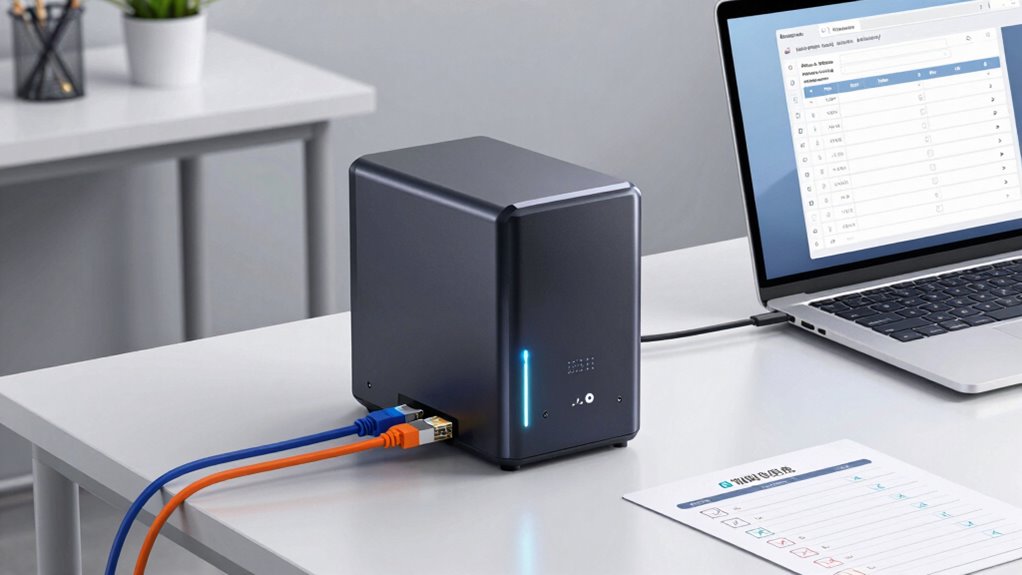
Are you ready to set up your Network Attached Storage (NAS) system? Before diving into the technical details, it’s important to plan how you’ll keep your data safe and accessible. One of the first steps is configuring your cloud backup options. A good NAS setup should incorporate cloud backup to protect your files from hardware failures, theft, or accidents. Decide whether you’ll use a dedicated cloud service or a hybrid approach, combining local storage with cloud storage. This way, even if your NAS encounters issues, your data remains protected and recoverable from the cloud. Once you’ve settled on your backup strategy, you can focus on setting user permissions. Proper user permissions are *vital* for maintaining data security and controlling access. Think about who needs access to what. For example, family members might only need read access to personal files, while colleagues might require full editing rights to shared work folders. Setting permissions appropriately prevents accidental deletions or unauthorized access, which could compromise sensitive information. Many NAS systems allow you to create user accounts and assign specific permissions at a granular level, so take advantage of these features. When setting permissions, keep in mind the principle of least privilege—grant users only the access they need and nothing more. This minimizes risks and simplifies management. Also, consider creating different user groups for easier permission management, especially if you have multiple users with similar access needs. After configuring user permissions, make sure to enable secure authentication methods like strong passwords or two-factor authentication, adding an extra layer of protection. As you move forward, double-check your network security settings to ensure your NAS is protected from external threats. Set up a firewall, disable unnecessary services, and keep your NAS firmware up to date. These steps help prevent unauthorized access and potential breaches. Additionally, selecting a high-quality network connection can significantly improve data transfer speeds and overall system reliability. Remember, a well-planned NAS setup isn’t just about storage—it’s about making your data accessible, secure, and easy to manage. Setting up cloud backup options *guarantees* your data is safe off-site, while carefully managing user permissions keeps your information protected from internal and external threats. Taking these initial steps will save you time and headaches later, giving you peace of mind that your data is both protected and easy to access when needed. With a clear plan for backups and permissions, you’re on your way to a robust, secure, and efficient NAS system that meets your needs now and in the future.
Frequently Asked Questions
Can I Use My Existing Router for NAS Setup?
Yes, you can use your existing router for NAS setup if it’s compatible and has the necessary NAS features. Check your router’s compatibility to guarantee it supports network storage functions, like file sharing and FTP. Many modern routers include built-in NAS capabilities, making setup easier. However, if your router lacks these features, you might need a dedicated NAS device for better performance and storage options.
Is It Necessary to Back up My Data Regularly?
Yes, you should back up your data regularly. Creating a backup schedule guarantees your files stay safe, even if something goes wrong. Use data encryption to protect sensitive information during backups. Regular backups help prevent data loss from hardware failures or accidents. Make it a habit to back up your data consistently, so you always have a secure copy readily available, giving you peace of mind.
How Secure Is My NAS From Cyber Threats?
Your NAS’s security depends on your actions. While it offers some protection against cyber threats, it’s not invincible. You should enable data encryption to safeguard your files and regularly update your firmware to patch vulnerabilities. Using strong, unique passwords and enabling two-factor authentication markedly boost your defenses. Remember, staying proactive and vigilant is key to keeping your data safe from cyber threats.
What Is the Ideal Number of Drives for My Needs?
You should have at least two drives for basic redundancy, but three or more drives offer better protection and performance. Consider your drive capacity needs; larger drives store more data, but multiple smaller drives can improve speed and reliability. Use RAID configurations like RAID 1 or RAID 5 to balance safety and efficiency. The ideal number depends on your storage demands, budget, and how much redundancy you want for your data.
Can I Access My NAS Remotely From Anywhere?
Did you know that over 50% of NAS users access their data remotely? Yes, you can access your NAS remotely from anywhere, but be aware of security risks like unauthorized access. To stay safe, enable encryption, use strong passwords, and set up VPNs. Regularly update firmware and monitor access logs. This way, you enjoy the convenience of remote access without compromising your data’s security.
Conclusion
By following this checklist, you’ve laid a solid foundation for your NAS, much like building a fortress of data. Remember, the journey doesn’t end here—constant maintenance guarantees your digital castle remains secure and swift. Think of it as tending a garden; with regular care, your storage grows stronger and more resilient over time. Stay vigilant, adapt, and your NAS will serve you faithfully, echoing the timeless wisdom that even the mightiest oak starts as a tiny seed.