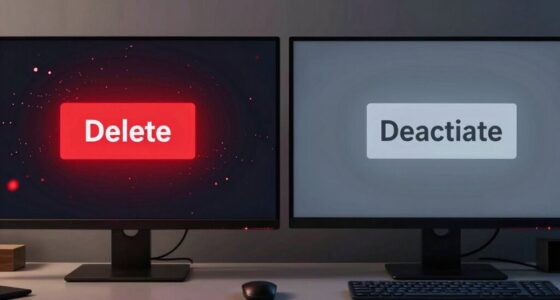
When you enable high refresh rates and motion smoothing, movies can look “weird” because these features add or interpolate frames to make motion appear smoother. However, this can disrupt the natural film look, causing scenes to seem overly perfect or plastic-like, often called the “soap opera effect.” Adjusting these settings or turning them off usually restores the cinematic feel. To understand how to fine-tune these options for a more natural movie experience, keep exploring the details below.

Get school and study supplies delivered free — and shop member deals
- Fast, free delivery on millions of items
- Access to Prime Big Deal Days deals on October 6–7
- Prime Video, Amazon Music and more included
Key Takeaways
- Motion smoothing adds artificial frames, creating a “soap opera effect” that makes movies look unnatural.
- Higher refresh rates reduce flicker and eye strain but don’t necessarily improve cinematic quality.
- Frame interpolation used in motion smoothing can distort motion and disrupt the director’s intended visual style.
- Turning off or adjusting motion smoothing preserves the movie’s original look and prevents the “weird” appearance.
- The natural cinematic experience relies on lower refresh rates and minimal motion interpolation for authentic motion portrayal.
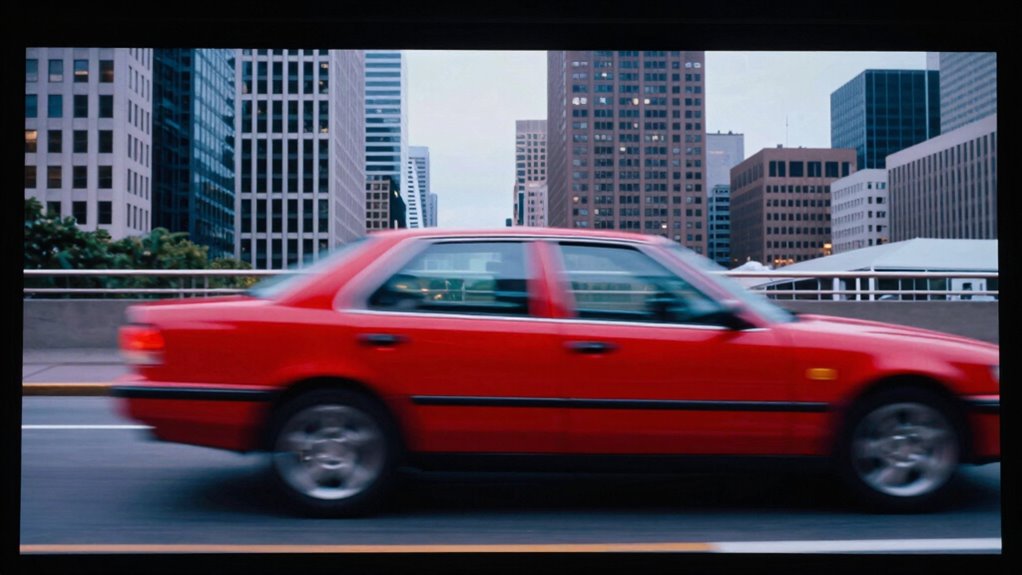
When choosing a display, understanding the difference between refresh rate and motion smoothing is essential for a better viewing experience. These two features markedly influence how motion appears on your screen, but they serve different purposes. Refresh rate, measured in hertz (Hz), indicates how many times per second your display updates its image. Higher refresh rates, like 120Hz or 144Hz, provide smoother motion during fast-paced scenes, reducing motion blur and making fast action look clearer. On the other hand, motion smoothing is a processing feature that inserts additional frames between the original ones, often using techniques like frame interpolation. While this can make motion appear smoother during casual viewing, it can also introduce artifacts and make movies look “weird” or overly artificial. Additionally, understanding how frame interpolation works can help you make more informed decisions about your display settings.
Frame interpolation, a common component of motion smoothing, works by estimating and generating intermediate frames that weren’t part of the original footage. This process can improve flicker reduction by creating a more stable image, especially on screens with lower refresh rates. However, it can also cause a phenomenon called the “soap opera effect,” where movies look unnaturally smooth, disrupting the cinematic feel. You might notice that scenes look too perfect or plastic-like, which can detract from the immersive experience filmmakers intended. Many viewers find this unsettling because it removes the natural motion blur that our eyes expect to see, leading to that “weird” appearance.
Frame interpolation creates a smoother look but can make movies appear unnaturally plastic-like and disrupt cinematic immersion.
Flicker reduction is another benefit associated with higher refresh rates and well-implemented motion smoothing. Flickering, often caused by low refresh rates or poorly processed images, can cause eye strain or fatigue over extended viewing periods. Increasing the refresh rate helps by providing a more consistent image update, which reduces flicker perceptibility. When motion smoothing is properly calibrated, it can also contribute to flicker reduction by smoothing out rapid changes in brightness or contrast. But beware—if you enable motion smoothing without adjusting settings, it can sometimes exaggerate flickering or create unnatural motion artifacts.
Ultimately, the key to avoiding the “weird” look lies in understanding how these features interact. If you prefer a more authentic cinematic experience, you might want to turn off motion smoothing or set it to a mild level. If your primary concern is smooth gameplay or fast sports, a higher refresh rate is more beneficial. Recognizing how frame interpolation and flicker reduction work can help you customize your display settings, ensuring your viewing experience feels natural and comfortable, rather than artificial and distracting.
4K TV with adjustable refresh rate
As an affiliate, we earn on qualifying purchases.
As an affiliate, we earn on qualifying purchases.
Frequently Asked Questions
Can Adjusting Refresh Rate Improve Gaming Performance?
Yes, adjusting your refresh rate can improve gaming performance. When you set your monitor to match your GPU’s frame rate, adaptive sync helps eliminate screen tearing and stuttering. Using refresh rate variability, you can fine-tune your display for smoother gameplay. Ensuring your monitor’s refresh rate aligns with your game’s output allows for a more responsive and immersive experience, reducing lag and visual artifacts.
Is Motion Smoothing Suitable for Watching Sports?
Motion smoothing can be suitable for watching sports, as it enhances the fluidity of fast-paced action, giving you a smoother viewing experience. However, be aware of the drawbacks, like the “soap opera effect,” which can make real sports footage look unnatural. To get the most benefits, guarantee your refresh rate is high enough—typically 120Hz or above—so you enjoy clearer, more vibrant motion without sacrificing image quality.
How Does Frame Interpolation Affect Video Quality?
Frame interpolation can enhance your video experience by creating smoother motion, but it often introduces artifacts and unwanted video processing effects. These artifacts, like ghosting or double images, can make scenes look unnatural. While it might improve fast-paced content, you should be aware that excessive use can compromise image quality, so consider turning it off for movies or detailed visuals to keep the original clarity and authenticity.
Do Higher Refresh Rates Reduce Eye Strain?
Higher refresh rates are like a smooth river, reducing the bumps that cause eye fatigue. They can improve visual comfort by providing a steadier image, helping you feel less strained during long screen time. While not a cure-all, higher refresh rates often lessen eye fatigue, making your viewing experience more comfortable. If you want to reduce eye strain, consider upgrading to a monitor or TV with a higher refresh rate for better visual comfort.
What Settings Optimize Movie Viewing Experiences?
To optimize your movie viewing experience, start with refresh rate calibration to match your content’s frame rate for smoother playback. Enable cinematic mode settings on your TV, which reduce motion smoothing and preserve the original film look. Adjust these settings to minimize artifacts and ensure natural motion. This way, you enjoy movies as they’re meant to be seen, with clear, authentic visuals and minimal distractions.
TVs with motion smoothing settings
As an affiliate, we earn on qualifying purchases.
As an affiliate, we earn on qualifying purchases.
Conclusion
Think of refresh rate and motion smoothing like a dance partner’s timing. When they’re in sync, the dance feels smooth and natural. But if one leads offbeat or tries to change moves suddenly, it can look awkward or “weird.” Understanding these settings helps you find your rhythm, making movies feel just right—like a perfectly choreographed performance. So, tweak your display, and let your viewing experience flow seamlessly, just like a well-rehearsed dance.
As an affiliate, we earn on qualifying purchases.
As an affiliate, we earn on qualifying purchases.
Halloween Picks
halloween
As an affiliate, we earn on qualifying purchases.