
Guest networks are a useful feature that allows you to share Wi-Fi with visitors without risking your main network’s security. They create a separate, isolated connection, keeping private files and connected devices safe. You can easily set up and manage guest access with a different password, restrictions, and limited bandwidth. This simple step enhances your home’s security and makes managing visitors easier. Keep exploring to discover how to maximize these benefits and secure your network even further.

Prime made for students and young adults
- Fast, free delivery for dorm and study essentials
- Prime Video and Amazon Music included
- Member-only deals
Key Takeaways
- Guest networks separate visitors’ devices from your main network, enhancing security and privacy.
- They use different passwords and SSIDs, simplifying guest access without exposing main devices.
- Segmentation prevents guests from accessing private files, printers, and connected devices.
- Features like bandwidth limits and time restrictions help control guest usage and maintain network performance.
- Regular firmware updates and security settings ensure the guest network remains protected against vulnerabilities.
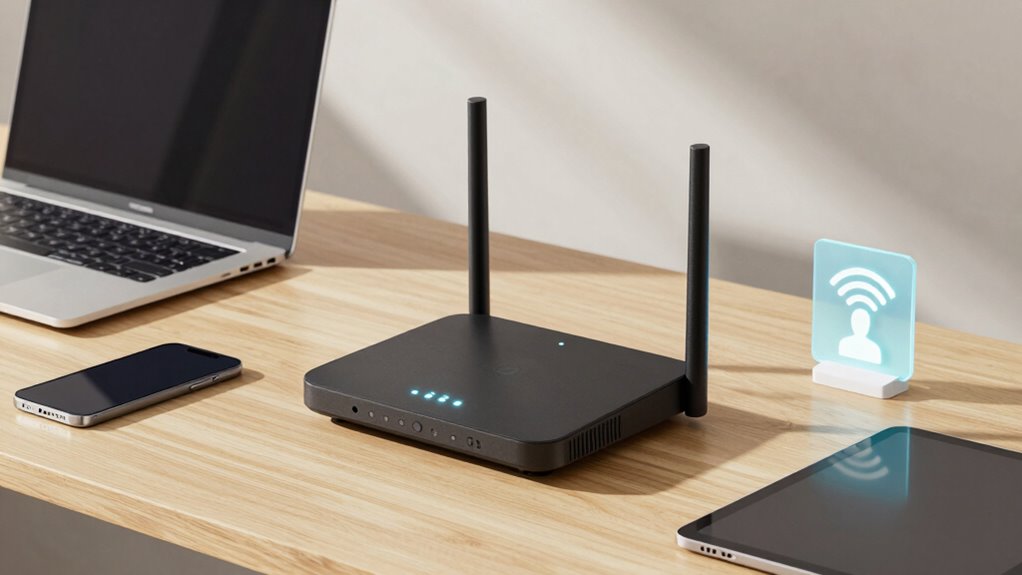
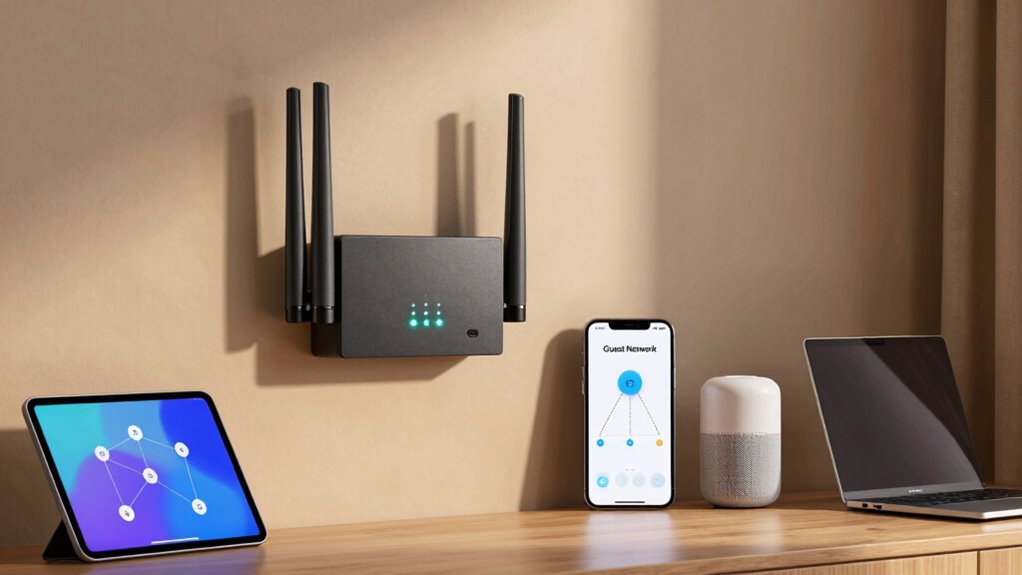
Ever wondered how to share your Wi-Fi without giving away your main network’s security? That’s where guest networks come into play. They’re an often-overlooked feature of home routers, but they’re incredibly useful for maintaining your network security while still letting friends, family, or visitors connect to the internet. When you set up a guest network, you’re creating a separate wireless configuration that’s isolated from your primary network. This means your main devices — like your computers, smart home gadgets, and personal servers — stay protected, even if someone on the guest network encounters malicious software or accidentally downloads malware.
By enabling a guest network, you’re adding an extra layer of security. You prevent guests from accessing your private files, printers, or other connected devices. Instead, they get their own slice of the Wi-Fi, which is specifically segmented from your main network. This segmentation is an essential component of overall network security. It’s the reason many security experts recommend using guest networks whenever possible. Plus, most modern routers make it simple to configure this feature through their wireless settings menu. You can typically assign a different password, ensuring only trusted visitors can join the guest network without compromising your main Wi-Fi credentials.
Wireless configuration for guest networks is straightforward, but it’s important to fine-tune some settings to maximize security. Start by changing the default SSID (network name) so it’s clear it’s a guest network, and set a strong, unique password. This prevents unauthorized access and helps you keep control over who’s connected. Some routers also let you limit the bandwidth or set time restrictions for guest users, which can prevent any single guest from hogging your internet connection or staying connected longer than necessary. These options give you more control over how your network resources are used, without sacrificing security. Additionally, understanding the security benefits of network segmentation can help you appreciate why this setup is so crucial. Implementing additional security features can further enhance your network’s defenses. Furthermore, enabling regular firmware updates on your router can close security vulnerabilities and keep your network protected against emerging threats.
It’s worth noting that enabling a guest network doesn’t just protect your main network; it also simplifies your wireless configuration. You don’t need to change your main Wi-Fi password or reconfigure your primary network every time someone visits. Instead, you just turn on the guest network, share the specific credentials, and rest assured that your private network remains secure. Implementing network segmentation is a key step in enhancing your overall security posture. This setup makes managing your Wi-Fi easier and safer, especially if you frequently have visitors. In the end, a guest network offers a simple yet powerful way to keep your home network safe, all while providing reliable internet access for anyone who stops by.
home Wi-Fi router with guest network
As an affiliate, we earn on qualifying purchases.
As an affiliate, we earn on qualifying purchases.
Frequently Asked Questions
Can Guests Access My Personal Devices on the Main Network?
No, guests can’t access your personal devices on the main network if you enable device isolation within your guest network. This feature, part of network segmentation, keeps guest devices separated from your primary devices, ensuring your privacy and security. You should always activate device isolation for guest networks, as it prevents unauthorized access and protects your personal data from potential threats originating from guest devices.
How Do I Set up a Guest Network on My Router?
Think of creating a guest network as setting gentle boundaries to protect your privacy. To do this, access your router’s configuration page—usually by typing its IP address into your browser. Look for the guest network settings, enable network isolation, and assign a unique name and password. Save your settings, and now your visitors can enjoy internet access without compromising your main network’s security.
Are Guest Networks Secure From Cyber Threats?
Guest networks are generally secure from cyber threats if your router uses strong encryption protocols and proper network isolation. Encryption protocols like WPA3 protect data transmitted over the network, while network isolation keeps guest devices separated from your main devices, reducing risk. However, always keep your router firmware updated and avoid sharing passwords publicly. These steps help guarantee your guest network remains a safe space for visitors without compromising your main network’s security.
How Many Devices Can Connect to a Guest Network?
You might think there’s a strict limit on devices connecting to a guest network, but it varies by router. Typically, guest networks support dozens of devices thanks to device isolation and network segmentation, which keep your main network safe. These features prevent guest devices from accessing your personal data, even if many connect simultaneously. So, rest assured—your guest network can handle multiple connections without compromising security.
Can I Customize Bandwidth Limits for Guest Networks?
Yes, you can customize bandwidth limits for your guest networks. Many routers offer bandwidth throttling options, allowing you to control how much data guests can use, ensuring your primary network remains fast. This feature enhances network segmentation, keeping guest devices isolated and preventing them from hogging bandwidth. By adjusting these settings, you maintain better overall network performance and security, giving your guests reliable internet without compromising your main connection.
wireless guest network security device
As an affiliate, we earn on qualifying purchases.
As an affiliate, we earn on qualifying purchases.
Conclusion
Now that you know how guest networks work, aren’t you glad you can keep your main Wi-Fi protected while sharing access with visitors? Imagine your home’s Wi-Fi as a castle—guest networks act as a secure gate, welcoming friends without exposing your treasure chest. So, why not set up a guest network today and enjoy peace of mind knowing your private data stays safe? Protect your digital kingdom and keep your network secure with this simple feature.
router with bandwidth limiting features
As an affiliate, we earn on qualifying purchases.
As an affiliate, we earn on qualifying purchases.
Wi-Fi network segmentation tools
As an affiliate, we earn on qualifying purchases.
As an affiliate, we earn on qualifying purchases.
Fall Picks
fall essentials
As an affiliate, we earn on qualifying purchases.