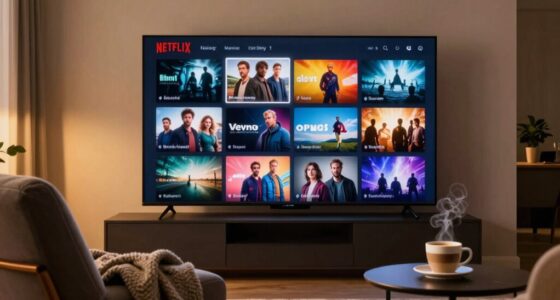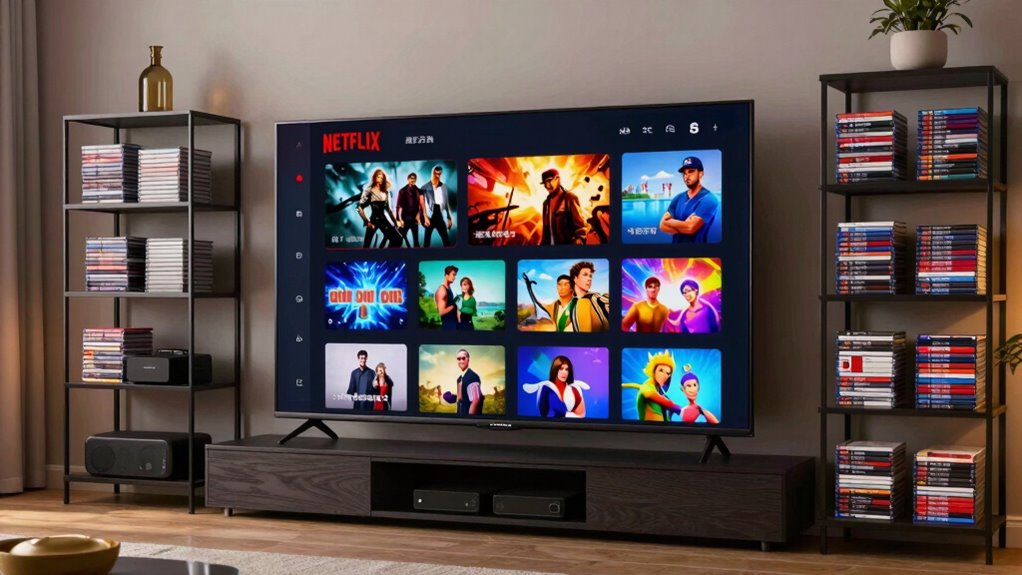

Netflix sorts its content through a mix of categories, genres, personalized collections, and algorithm-driven recommendations. It organizes titles based on viewer data like watch history, search patterns, and preferences to create tailored categories or collections. You can find hidden categories by using specific codes, or explore niche genres beyond the main menus. If you keep exploring, you’ll discover how these sorting methods can help you gain access to a better viewing experience.

Prime made for students and young adults
- Fast, free delivery for dorm and study essentials
- Prime Video and Amazon Music included
- Member-only deals
Key Takeaways
- Netflix sorts content into broad genres, niche categories, and personalized collections based on user preferences and viewing behavior.
- Machine learning algorithms analyze watch history, ratings, and search patterns to refine content recommendations and category grouping.
- Content metadata like genres, cast, themes, and trending topics help organize titles into relevant, timely categories.
- Unique codes and URL structures allow access to hidden or specialized genre categories for tailored browsing.
- Personalized lists and curated playlists enhance content discovery, adapting over time to evolving viewer interests.
As an affiliate, we earn on qualifying purchases.
What Are Netflix Categories and Why Do They Matter?
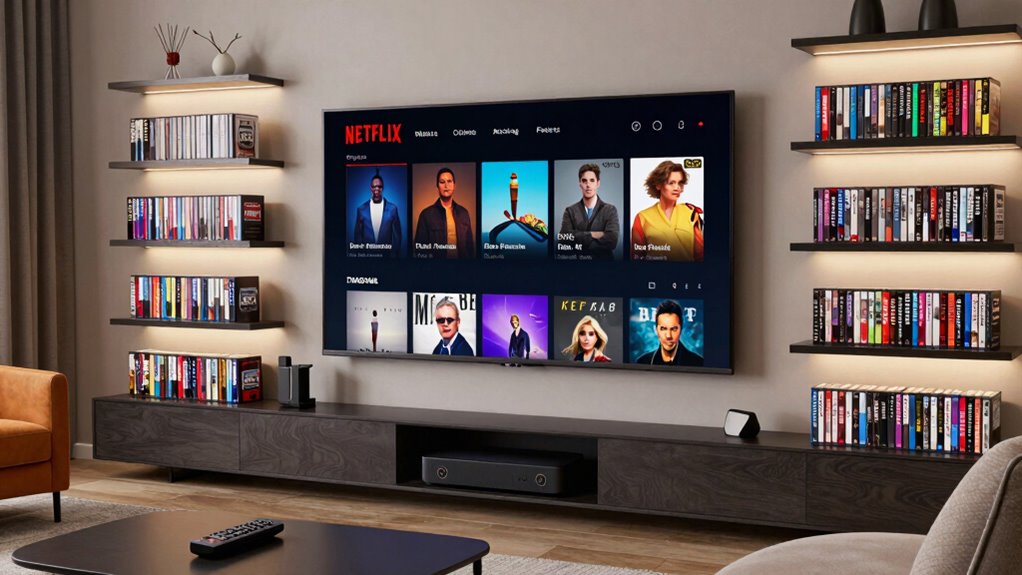
Have you ever wondered how Netflix seems to know exactly what to recommend? That’s because it uses smart content curation based on your user preferences. Netflix categories aren’t just random groups—they’re tailored to match your viewing habits, making it easier for you to find something you’ll enjoy. This process involves analyzing various data points, such as your watch history and search patterns, to create a personalized content library that reflects your tastes. These categories help Netflix organize vast amounts of content into manageable, themed collections. By analyzing what you watch, how long you watch, and your search history, Netflix refines its categories to fit your tastes. Additionally, Netflix employs machine learning algorithms to continuously improve its content recommendations based on your evolving preferences. The use of data points enhances the accuracy of these tailored collections. This personalized approach guarantees you see relevant options quickly. Moreover, Netflix’s ability to adapt its algorithms based on user feedback ensures that the recommendation system remains highly effective over time. Additionally, Netflix employs sophisticated algorithms and energy-efficient cloud servers to process and deliver content seamlessly, ensuring a smooth viewing experience.
So, Netflix categories matter because they enhance your experience, providing you with customized recommendations that keep you engaged and make browsing simpler.
personalized streaming content organizer
As an affiliate, we earn on qualifying purchases.
As an affiliate, we earn on qualifying purchases.
How Netflix Creates and Labels Its Content Categories
Ever wonder how Netflix determines which categories to create and how it labels them? It all comes down to content curation and category creation. Netflix analyzes viewer data, viewing habits, and preferences to identify patterns. This helps them develop tailored categories that match user interests.
Netflix uses viewer data and preferences to create personalized categories and labels.
They also consider trending topics and seasonal events for timely labels. Here are three ways Netflix accomplishes this:
- They use algorithms to group similar content based on watch history.
- They create niche categories to target specific audiences.
- They label these categories with clear, recognizable names to guide viewers.
machine learning content recommendation device
As an affiliate, we earn on qualifying purchases.
As an affiliate, we earn on qualifying purchases.
What’s the Difference Between Standard Genres and Custom Collections?
Standard genres are broad categories that group similar movies or shows, making it easy to find familiar types of content. Custom collections, on the other hand, are tailored lists created by Netflix or users to highlight specific themes or preferences. Understanding their purpose helps you navigate and personalize your viewing experience more effectively. Additionally, content categorization plays a key role in how Netflix manages and displays its vast library, ensuring you can discover relevant entertainment efficiently.
Genre vs. Collections
Here are three key points:
- Genres use standard genre labels, while collections are tailored groupings created through collection curation.
- Genres are universal and consistent across users, but collections can vary based on Netflix’s algorithms.
- Collections often combine genres, actors, or themes to create personalized viewing options.
Knowing this difference helps you navigate Netflix more efficiently and find exactly what you’re in the mood for.
Purpose of Custom Lists
Custom lists on Netflix serve to personalize your viewing experience beyond the fixed categories of genres. These curated collections help you organize content based on your preferences, moods, or specific interests. They also support user control over data usage, allowing viewers to manage how their tailored lists are created and accessed. Unlike standard genres, which group movies and shows broadly, custom lists act as personalized playlists, making it easier to find exactly what you want to watch. They enable you to create your own curated collections tailored to your tastes, whether it’s a list of favorite comedies, new releases, or shows for a weekend binge. By utilizing content categorization methods, you can further refine your experience and ensure your lists stay relevant to your evolving interests.
content curation software for streaming
As an affiliate, we earn on qualifying purchases.
As an affiliate, we earn on qualifying purchases.
How Netflix Uses Algorithms to Personalize Your Content
Netflix’s algorithms analyze your viewing history to suggest content you’ll enjoy. They track what you watch, rate, and skip to tailor your recommendations. A growing library of content allows these algorithms to better understand your preferences over time. As the library expands, the system can more accurately identify your tastes, leading to more precise personalized suggestions. This way, your homepage becomes a personalized selection just for you. Additionally, these algorithms incorporate content metadata, such as genre, cast, and themes, to refine the recommendations further and ensure a diverse viewing experience. Moreover, understanding filtration systems helps Netflix optimize how content is categorized and recommended, enhancing user satisfaction. Recognizing the importance of media literacy can also help viewers critically evaluate the recommendations they receive.
Recommendation Algorithms at Work
Have you ever wondered how Netflix seems to know exactly what shows you’ll enjoy? It’s all thanks to recommendation algorithms working behind the scenes. These algorithms analyze your behavior to improve content curation and match your user preferences precisely. They track what you watch, pause, or skip to understand your favorite genres and styles. They compare your viewing habits with other users who share similar tastes. They constantly refine suggestions based on your evolving preferences and new viewing patterns. Additionally, these algorithms often incorporate personalized content curation to enhance user experience and engagement. Insights from content sorting methods, such as categorization based on genres or themes, further help Netflix deliver tailored recommendations.
Viewing History Influences
Your viewing history plays an essential role in how Netflix tailors its recommendations to you. Every show or movie you watch adds to your viewing history, giving Netflix valuable data to analyze. This data directly influences the personalization impact of its algorithms, helping Netflix suggest content that aligns with your tastes. If you frequently watch thrillers, you’ll see more of that genre in your categories. Conversely, skipping certain genres signals Netflix to recommend less of those. Your viewing history also helps Netflix identify patterns and refine its suggestions over time, making your experience more personalized. Additionally, understanding how content categorization works can provide insight into how Netflix organizes its vast library to optimize viewer engagement. This process often involves classification systems that categorize content based on genre, mood, or themes, further enhancing recommendation accuracy. Incorporating design thinking principles can further enhance your understanding of how user preferences shape content organization and recommendations. Recognizing the role of algorithmic filtering can also help you better understand how Netflix curates your personalized experience. Moreover, the use of machine learning enables Netflix to improve its suggestions continuously by adapting to evolving viewer behaviors.
How to Find Hidden Netflix Categories Using Codes
Ever wondered how to access those lesser-known Netflix categories that don’t appear in the main menu? You can reveal hidden content using secret codes, a simple trick for discovering new genres. These codes are especially useful for exploring niche genres that might not be immediately visible, helping you tailor your viewing experience more precisely. To do this, follow these category hacks:
- Visit the Netflix secret codes page or enter URLs like netflix.com/browse/genre/[code].
- Use known codes for specific genres, such as 1365 for Action or 7837 for Sci-Fi.
- Bookmark favorite categories for quick access and explore more hidden options.
These secret codes open up a world of content beyond standard menus. Once you memorize or save these category hacks, finding niche genres becomes fast and effortless. This method is a great way to enhance your content discovery and enjoy a broader range of entertainment options. It’s a handy way to dive deeper into Netflix’s vast library.
Tips for Navigating and Discovering Content Beyond Main Categories
Once you’ve revealed those hidden categories with secret codes, the next step is mastering how to navigate beyond the main menu to find fresh and tailored content. Focus on exploring genres you might not typically watch to increase genre diversity. Use curated playlists and personalized recommendations to discover hidden gems aligned with your interests. To enhance your search, try combining filters like release year, ratings, or specific themes. Here’s a quick guide:
| Strategy | Benefit |
|---|---|
| Explore niche genres | Finds unique content outside mainstream |
| Use playlist curation | Curated lists streamline discovery |
| Check trending categories | Keeps you updated with popular choices |
| Adjust viewing preferences | Tailors recommendations to your taste |
| Understanding algorithms | Helps you better interpret how recommendations are generated |
This approach keeps your content fresh and engaging beyond the main categories.
Final Tips: Mastering Netflix Content Sorting for Better Viewing
Mastering Netflix content sorting is essential for enhancing your viewing experience and saving time. By refining how you curate and explore content, you can boost user engagement and enjoy a more tailored selection. A good understanding of content categorization allows you to navigate the platform more efficiently and find titles that truly match your interests. For example, understanding how content sorting algorithms work can help you predict how Netflix recommends titles based on your viewing habits. Learning about metadata and tags used in Netflix’s system can further improve your ability to find relevant content. Recognizing content classification methods used by Netflix can give you insight into how your viewing history influences recommendations. Additionally, understanding floating on water concepts can help you appreciate how Netflix organizes content related to aquatic themes or water-based adventures. Here are three final tips to help you master this skill: 1. Use personalized profiles to optimize content curation for different tastes and moods. 2. Regularly update your watchlists and preferences based on your evolving interests. 3. Take advantage of Netflix’s hidden categories and search filters to discover niche content. Implementing these strategies helps you better navigate Netflix’s complex sorting system, ensuring you find relevant titles faster. Effective content curation not only improves your viewing pleasure but also keeps you engaged with fresh, interesting content. Master these tips, and your Netflix experience will be more enjoyable and efficient.
Frequently Asked Questions
Can I Create Custom Netflix Categories for My Profile?
You can’t create custom Netflix categories directly for your profile, as Netflix restricts this feature. However, you can use profile customization options to tailor your viewing experience by setting up multiple profiles with specific interests.
This allows you to organize content preferences, but it doesn’t enable true custom category creation within Netflix’s interface. For more personalized sorting, consider using third-party apps or browser extensions, though these aren’t officially supported by Netflix.
Do Netflix Categories Vary by Country or Region?
Yes, Netflix categories vary by country or region. You’ll notice different regional content and language preferences shaping the categories you see.
This customization helps Netflix cater to local audiences with relevant shows and movies. When you access Netflix from different regions, the categories change accordingly, reflecting regional content trends and language options.
This guarantees you get a more personalized viewing experience based on your location and preferences.
How Often Does Netflix Update or Change Its Categories?
Think of Netflix’s categories as a living mosaic that constantly shifts with the seasons. The platform updates its categories through regular category refreshes, ensuring fresh content is always at your fingertips.
While there’s no fixed schedule, most updates happen every few weeks to months, keeping your browsing experience dynamic and engaging. So, stay tuned—your next favorite find could be just around the corner, waiting to be uncovered in a newly curated category.
Are There Parental Controls Related to Specific Categories?
Yes, Netflix offers parental controls that include content filtering. You can set up these controls to restrict access to specific categories or titles based on maturity levels.
Can I Access Age-Restricted or Mature Content Through Category Codes?
You can’t access age-restricted or mature content through category codes alone, as Netflix uses content filtering and age verification to protect viewers. Think of the platform as a guarded castle, where only those with the right keys—like parental controls—can open specific zones.
While category codes reveal hidden shelves, strict age verification guarantees only appropriate audiences see mature titles, maintaining a safe viewing environment for everyone.
Conclusion
Understanding how Netflix sorts its content helps you find what you love faster. By exploring categories, using codes, and customizing your viewing, you gain more control over your experience. Remember, “A little knowledge is a dangerous thing,” but in this case, it’s your key to mastering Netflix. So, plunge in, experiment, and enjoy a personalized streaming journey that keeps you entertained and in the know. Happy watching!
Fall Picks
fall essentials
As an affiliate, we earn on qualifying purchases.